The best AI for writing in 2026: which tool for which job


There is no single best AI for writing anymore. There is a best one for prose, a best one for research, a best one for editing, and a best one for your team. Here is how they differ and which to pick.
What changed
The market split in two. ChatGPT, Claude and Gemini became good enough at prose that most people no longer need a dedicated writing app. The specialised tools that survived did so by getting narrower: brand-voice enforcement, story bibles, always-on grammar, search-grounded drafting.
One directory, Toolradar, tracks over a hundred AI writing tools and puts the test plainly: a standalone writer has to do something ChatGPT or Claude cannot. That is the bar every tool below is measured against.
The other shift is where you edit. OpenAI removed Canvas, Google built writing into Docs, Anthropic's artifacts became Claude's document pane. Interface now matters as much as the model.
The short answer
The conclusion before the argument. Each row is explained below.
| If you mostly need | Best pick | Runner-up | Entry price |
|---|---|---|---|
| Natural long-form prose | Claude | ChatGPT | Free; Pro about $20 a month |
| Versatility and structure | ChatGPT | Gemini | Free; Plus $20 a month |
| Writing inside Google Docs | Gemini | ChatGPT | Google AI Pro subscription |
| Editing what you wrote | Grammarly | ProWritingAid | Free; Pro about $12 a month |
| Marketing copy for a team | Jasper | Copy.ai | About $59 to $69 a seat a month |
| Fiction and novels | Sudowrite | Novelcrafter | From about $19 a month |
| Cited, current facts | Perplexity | ChatGPT deep research | Free; Pro $20 a month |
| Paraphrasing on a budget | QuillBot | DeepL Write | Free; Premium under $10 a month |
List prices for individual plans, September 2026, rounded. Annual billing usually saves 15 to 20 percent.
The big three, compared
A frontier chat assistant is now the whole toolkit for everyday writing.
For most people the search ends here. The three assistants are close on capability; they differ on texture and workflow. Claude writes the most natural prose, ChatGPT is the broadest toolbox, Gemini wins inside Google's apps.
ChatGPT: the versatile default | ||
Best for Brainstorming, outlines, structured business writing, research-backed drafts | Price Free; Plus $20 a month; higher tiers for heavy use | Weak spot Generic house style without careful prompting; Canvas editor removed |
| ChatGPT is still what most people mean by "AI writing," and it holds that position through breadth. The default model on every plan is GPT-5.5 Instant, which OpenAI tuned over the summer specifically to cut the list-heavy, formulaic output its own researchers complained about; paid plans have moved on to the GPT-5.6 generation with its Sol, Terra and Luna tiers. It writes less like a slide deck than a year ago, and its structured output remains the tightest in the category. The big change for writers was a removal: Canvas, the side-panel editor for targeted rewrites, was retired in May, and OpenAI's release notes explain that writing now happens in inline blocks inside the chat. For long documents, keep your master copy in Word or Docs and treat ChatGPT as the engine you paste into. In exchange it gained memory: responses drawing on past chats, files and a connected Gmail are now on every plan, which matters if you write for the same clients every week. | ||
Claude: the prose specialist | ||
Best for Essays, articles, chapters, newsletters, anything where the sentences are the product | Price Free (limited); Pro $20 a month, about $17 annual; Max tiers at $100 and $200 | Weak spot Fewer native integrations; heavy sessions can hit usage limits |
| If prose quality decides it, independent reviews converge on Claude with unusual consistency. Its default register reads closest to a competent human writer: it varies sentence length unprompted, resists bullet points, and holds a tone across fifteen pages, which is why essayists and book writers favour it. The lineup runs from Haiku 4.5 through Sonnet 5 and Opus 5 to Claude Fable 5.1, released on 1 September for Pro, Max, Team and Enterprise users; Anthropic's announcement pitches it mainly at long-running knowledge work but also claims better text quality and fewer confident wrong answers. Two features carry the writing workflow. Artifacts give every draft a persistent, editable pane beside the chat, exactly the surface ChatGPT gave up. Projects let you load a style guide, earlier chapters and research once, so every conversation starts with your context. One thing to know before publishing: Fable 5.1 is the first Claude model to embed an invisible watermark in generated text, with a detection service in private preview for eligible organisations. If your employer or publication has a disclosure policy, have that conversation now. | ||
Gemini: the Google Workspace native | ||
Best for Anyone who writes in Docs and Gmail and wants the assistant to already know what is in them | Price Free tier; Google AI Pro for the full Workspace features | Weak spot Flatter prose than Claude; best features gated behind paid Google plans |
| Gemini is the pick when the question is less "which writes best" and more "which already knows where my material is." Led by Gemini 3.1 Pro with the faster 3.5 Flash beneath it, the models are competitive on writing without matching Claude's ear; the real advantage is what Google calls Workspace Intelligence. Inside Docs, Help me create builds a formatted first draft from your Drive files, Gmail threads and Chat messages, so "draft the update from Monday's notes and the budget sheet" actually goes and finds them. Help me write edits a selection or the whole document, and suggestions stay private until you approve them, which keeps it usable in shared files. Match writing style holds one tone across a document many people have touched, and Google's Workspace update describes these in detail. Support expanded to nineteen languages in July. The trade-off is Google's usual one: the full experience lives behind AI Pro and Ultra subscriptions, and the output reads as competent rather than distinctive. | ||
A fourth option, Microsoft Copilot, is the same argument translated into Word and Outlook: least distinctive prose, but often the only AI permitted with company data.
Key differences at a glance
The three assistants sound similar in demos. These are the differences that show up in daily use.
| ChatGPT | Claude | Gemini | |
|---|---|---|---|
| Default prose | Clean, structured, can feel generic | Most natural; holds tone over long pieces | Competent, flatter, reliable |
| Editing surface | Inline writing blocks in chat (Canvas removed) | Artifacts: persistent side-by-side document | Directly inside Google Docs |
| Persistent context | Memory across chats, files, connected Gmail | Projects with style guides and source files | Your Drive, Gmail and Chat, automatically |
| Strongest at | Outlines, structure, research modes | Voice, essays, chapters, nuance | Drafting from your own documents |
| Integrations | Broadest third-party ecosystem | Growing; fewer native app hooks | Deepest inside one ecosystem (Google) |
| Current flagship | GPT-5.6 tiers on paid plans; GPT-5.5 free | Claude Fable 5.1 on paid plans | Gemini 3.1 Pro; 3.5 Flash |
| Provenance | No text watermark announced | Invisible watermark from Fable 5.1 | No text watermark announced |
| Entry price | $20 a month | $20 a month ($17 annual) | Google AI Pro subscription |
Editing tools

Editing tools catch what you no longer see in your own draft, in whatever app you are typing in.
These do not write for you; they sit beside you while you write. Draft in a big model, polish in one of these.
Grammarly: the always-on editor | ||
Best for Grammar, tone and clarity checks in every text field, on every device, plus quick rewrites | Price Free; Pro about $12 a month | Weak spot Not a drafting tool; the parent company's rebrand has confused some users |
| Grammarly remains the broadest editing assistant because of reach: it runs in your browser, desktop apps, mobile keyboard and email client, flagging spelling, grammar, clarity, tone and style wherever you type. The AI layer now does full-sentence rewrites, tone adjustment and short generation from the same panel, and its tone detector, which tells you how an email will land before you send it, prevents more workplace friction than any drafting model. The company changed more than the product: in late 2025 the parent renamed itself Superhuman, bundling Grammarly with the Coda workspace, Superhuman Mail and a cross-app assistant called Superhuman Go, as its announcement explains. Grammarly the product keeps its name and its job, so nothing in your workflow breaks, and Go can now pull context from Drive, Gmail and Jira into its suggestions. For editing alone it is still the benchmark and, for most professionals, the right first purchase. | ||
How the smaller editors differ
| Tool | What it does that Grammarly does not | Who it suits |
|---|---|---|
| QuillBot | Paraphrases a passage several ways at adjustable strength; generous free tier | Students; anyone stuck on one sentence |
| ProWritingAid | Twenty-plus diagnostic reports on pacing, repetition and sentence variety; Scrivener integration | Fiction authors and editors who want the diagnosis, not the fix |
| Hemingway | Instant readability grading; colour-codes dense sentences, passive voice, adverbs | Writers who suspect a piece is heavy but cannot see where |
| DeepL Write | Idiom-aware correction in English, German, French and Spanish, from a translation heritage | Second-language writers |
Marketing platforms

Marketing platforms pay off when several people must write in one voice, on one calendar, with one approval flow.
This is where the category was born and where frontier models did the most damage. The survivors do something ChatGPT with a good prompt does not, and it is always about teams.
Jasper: brand voice at scale | ||
Best for Marketing teams publishing constantly who need every piece to sound like the same company | Price About $59 to $69 a seat a month; team and enterprise tiers above | Weak spot Three times a frontier model's price for a solo writer who will not use most of it |
| Jasper was among the first purpose-built AI writers to win over marketing departments, and its maturity shows in how directly its features map onto a content team's week. The feature that earns the price is Brand Voice: feed it your existing content, it analyses tone, vocabulary and structure, then applies that voice across landing pages, social sequences and bulk product descriptions. Jasper rebuilt that training this year, and the gap between a Jasper draft and a raw ChatGPT draft for a brand with a distinctive register is now visible without being told which is which. Around it sit campaign workflows, style-guide enforcement, approvals and templates for the formats marketers produce on repeat. The honest caveat is that this is a team purchase. A freelancer gets most of the value from Claude Projects or ChatGPT memory at a third of the cost; Jasper wins the moment a third regular contributor joins, because then it is competing with an editor's salary, not a chatbot. | ||
The two alternatives differ by job. Copy.ai has become a go-to-market platform: writing happens inside workflows that chain research, drafting, personalisation and distribution, so one trigger yields four hundred slightly different sales emails on a schedule. Writesonic bet on search: its article writer drafts from a keyword brief with headings, links and metadata in place, backed by real search data and, increasingly, visibility tracking in AI-driven search results.
Fiction tools

A novel is a continuity problem as much as a prose problem.
A chatbot can write a competent scene. It cannot, out of the box, remember that a character's eyes were grey in chapter two. Fiction tools exist to hold that continuity.
Sudowrite: the fiction co-pilot | ||
Best for Drafting, brainstorming, unsticking a scene, expanding an outline into pages | Price From about $19 a month; credit-based, and heavy drafters burn through it | Weak spot Output needs real editing to sound like you; less useful after the first draft |
| Sudowrite is the only tool here built entirely for fiction, and the 2026 consensus still treats it as the category leader for drafting. Its Story Bible holds characters, settings, style notes and synopsis and feeds them into every generation, so the scene it writes knows who is in the room and what they want. Write, Rewrite, Describe and Brainstorm are tuned to a novelist's actual moves: push a scene forward three hundred words, make a description more sensory, generate twenty plot turns and pick one. The recurring complaint is the credit model; the recurring praise is that nothing else understands what a chapter is. Novelcrafter is the organisational counterpart: its Codex wiki auto-supplies character and lore details whenever they appear in your text, and it lets you plug in your own API key for whichever model you prefer. Many authors run both, then diagnose the finished draft in ProWritingAid. | ||
Research-grounded writing
Search-grounded assistants turn fact-checking into reading the citations. .
A model that writes beautifully will, when it does not know something, write a beautiful sentence that is wrong. For briefs, explainers and anything with a date in it, draft from retrieved sources and check the citations.
Perplexity: cite as you draft | ||
Best for Backgrounders, briefings, literature reviews, any draft that must cite current sources | Price Free; Pro $20 a month | Weak spot Functional rather than graceful prose; citations still have to be opened, not trusted |
| Perplexity is an answer engine before it is a writing tool, which is exactly why it belongs in a writer's kit. Every response is assembled from live retrieval with numbered citations attached to the claims they support, and its Pages feature turns a research thread into a structured, shareable article with the sources preserved. The productive pattern is to start here, then move the cited draft into Claude or ChatGPT for the prose pass; that produces something both accurate and readable, which neither manages alone. The big three's deep research modes do a similar first sweep but return report-shaped output you will restructure. Whichever you use, an AI citation is a pointer, not a proof, and the two minutes it takes to open the source are non-negotiable. | ||
How to choose Five questions settle it.
| Caveats
|
Bottom lineFor most people who write for a living, the best AI for writing in 2026 is one frontier assistant plus one editing tool, with the specialists reserved for the jobs they were built for.
|
Discussion 0
More posts

ChatGPT vs Claude for writing: which one writes better like you?
The two most popular AI writing assistants, compared on what writers actually feel: how the prose sounds, how well each...
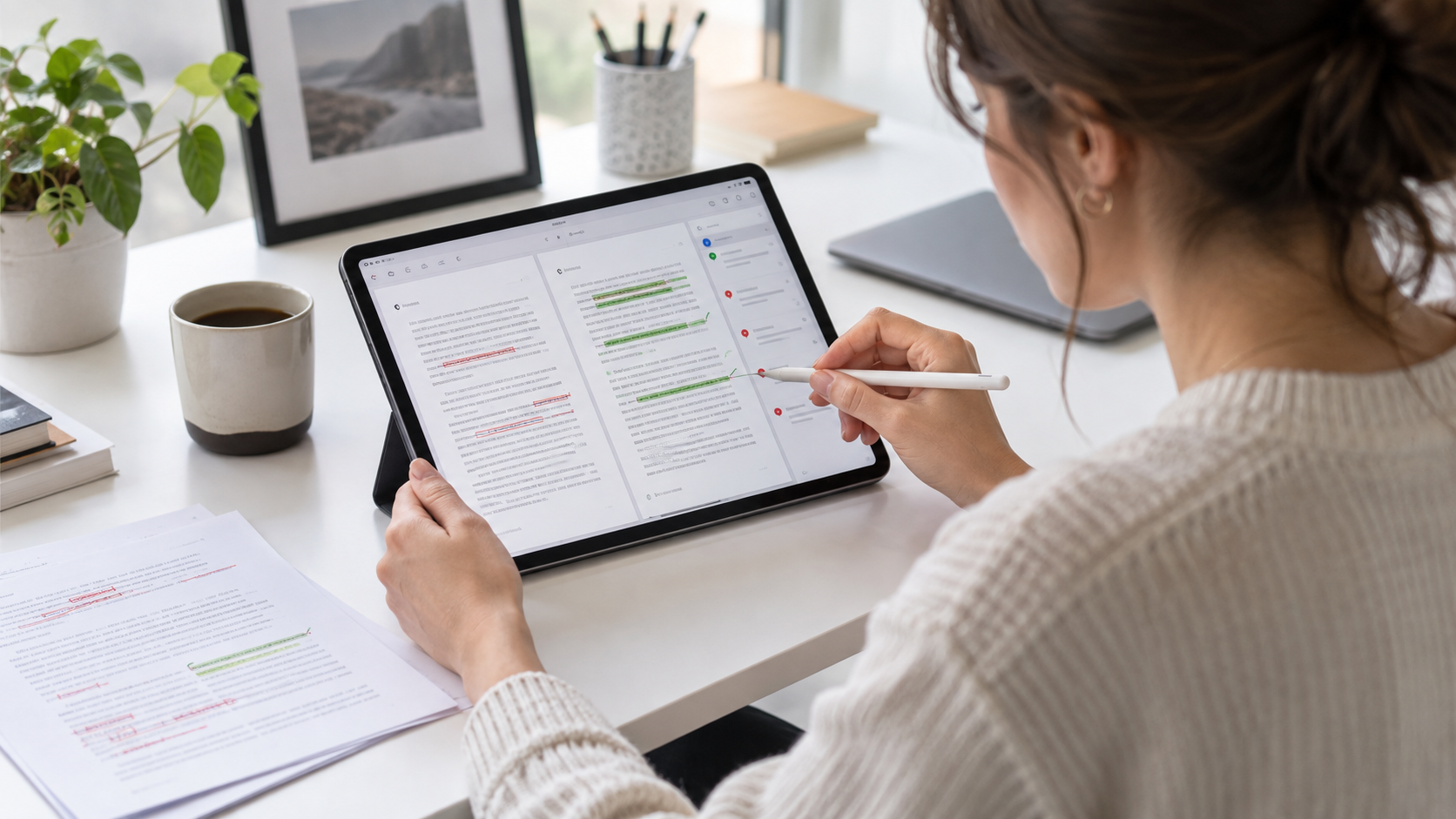
Why AI Is Changing the Editing Process More Than the Writing Process
AI can fill a blank page in seconds. It cannot tell you whether the page is true, useful, or yours. That job is editing,...

Can AI Detectors Be Trusted?
What these tools actually measure, where they break, and how much weight their verdicts really deserve.
Please log in or create an account to join the discussion.