The Topic Cluster Model, Explained: How Pillars, Clusters, and Links Work as One System


Most blogs are built one post at a time. Topic clusters are built one subject at a time, and that single shift changes how search engines and readers judge everything you publish.
A topic cluster in physical form: individual pages pinned to a wall, made into a system by the connections between them.
Type any serious question into a search engine and look at who wins. It is rarely the site with one great article on the subject. It is almost always the site that has covered the subject completely: the broad overview, the narrow follow ups, and a clean trail of links connecting them. That structure has a name. It is the topic cluster model, and it is one of the few SEO frameworks that has become more relevant, not less, as search has shifted toward AI generated answers and semantic understanding.

This guide breaks the model into its three working parts, shows how each part behaves differently, and then puts them side by side so you can see exactly where a pillar ends and a cluster begins. By the end, you should be able to sketch a full cluster for your own site on a single sheet of paper.
What the Topic Cluster Model Actually Is
A topic cluster is a group of pages that together cover one subject in full. The group has three components, and each one has a distinct job:
The pillar page is the broad, comprehensive page that addresses the entire subject at a high level. Think of it as the table of contents that happens to be readable on its own.
The cluster pages are narrower articles that each answer one specific question or subtopic in depth. Where the pillar goes wide, clusters go deep.
The internal links are the connective tissue. Every cluster page links up to the pillar, and the pillar links down to every cluster. Without the links, you do not have a cluster. You have a folder of loosely related posts.
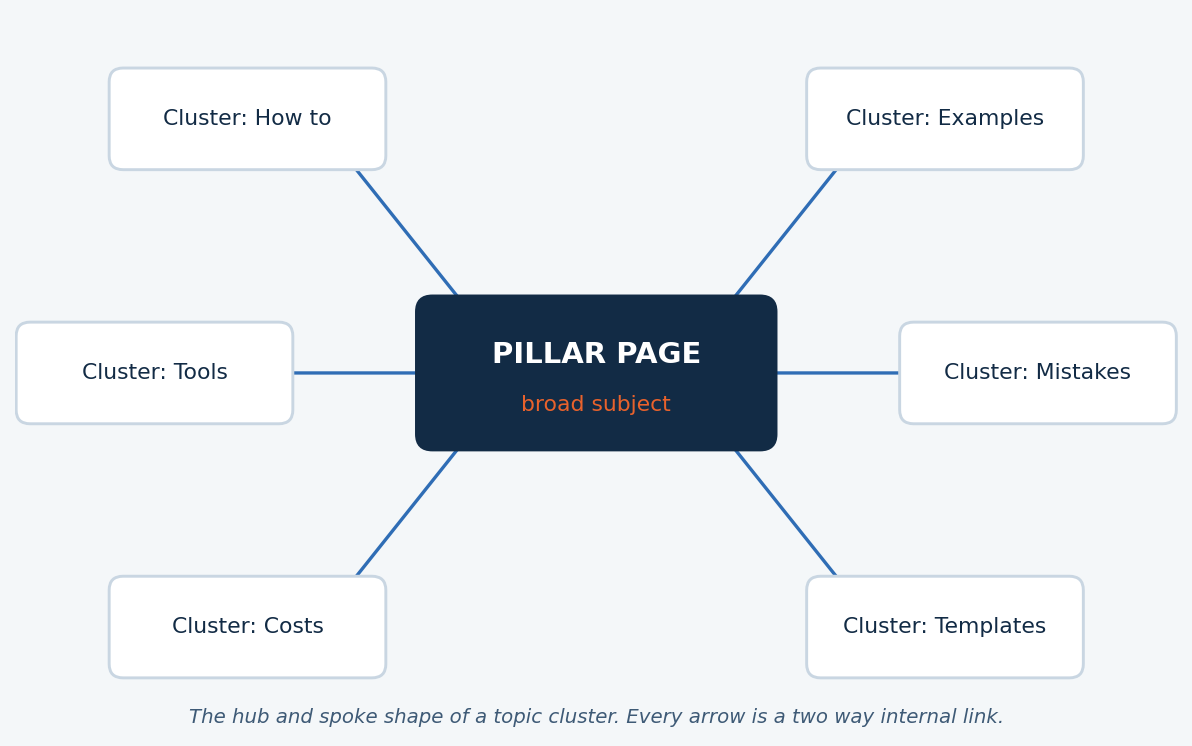
The model was popularized around 2017 as an answer to a real change in search behavior. Queries were getting longer and more conversational, and search engines were getting better at understanding entire topics rather than isolated keyword strings. Organizing content by subject, instead of by keyword, aligned websites with the way ranking systems had started to think.
Part One: The Pillar Page
The pillar is the hardest of the three parts to get right, mostly because writers confuse breadth with length. A pillar page is not simply a long article. It is a page whose job is to cover every meaningful angle of a subject at survey depth, then hand the reader off to a deeper resource for each angle.

The metaphor is older than the framework: a pillar exists to carry the weight of everything built around it.
A good pillar targets a broad, high volume head term such as “email marketing” or “topic clusters.” It typically runs between 2,500 and 5,000 words, but the word count is a side effect of coverage, never the goal. Its structure mirrors the subject itself: each major section corresponds to one cluster page, introduces the idea in a few hundred words, and links out to the full treatment.
Before you can build a pillar page, though, you need to settle a quieter question underneath it: what your content pillars are in the first place, meaning the handful of core subjects your brand has the right to own. If that distinction between the strategy level pillar and the page level pillar feels blurry, this breakdown of what a content pillar is and everything it quietly stands for untangles the two cleanly, and it is worth reading before you commit to a subject.
A useful test: if you deleted every cluster page tomorrow, the pillar should still be a genuinely helpful overview. If you deleted the pillar, each cluster should still answer its one question completely. Each part must stand alone, yet be stronger together.
Part Two: The Cluster Pages
Cluster pages are where depth lives. Each one takes a single subtopic, usually mapped to a long tail keyword or a specific question, and answers it more thoroughly than anyone else has. If the pillar is “email marketing,” the clusters are pages like “how to write a welcome email sequence,” “best time to send marketing emails,” and “email marketing benchmarks by industry.”
Because cluster pages target narrow queries, they often rank faster than pillars. Long tail keywords carry less competition, and a focused 1,200 word answer frequently beats a sprawling 4,000 word page for a specific question. This is why mature clusters tend to earn traffic from the edges inward: the cluster pages win their small battles first, and the authority they accumulate flows through internal links to the pillar, which then becomes competitive for the head term.
Part Three: The Links That Turn Pages Into a System
Internal links are the least glamorous component and the most frequently botched. The model asks for a specific, disciplined linking pattern:
Every cluster page links to the pillar using descriptive, keyword relevant anchor text. The pillar links back to every cluster from the section that summarizes it. Cluster pages may also link sideways to sibling clusters when it genuinely helps the reader, though the pillar remains the hub.

Hubs and connections, seen from above. Links are what turn isolated points of light into a network.
This pattern does three jobs at once. It tells search engines which page is the authoritative center of the topic, since the pillar receives the most internal links. It distributes link equity, so that a backlink earned by any single cluster page strengthens the whole group. And it keeps readers inside your subject, moving from overview to detail and back, which improves engagement signals across every page in the cluster. Google’s own documentation on how to structure and link a site for search reinforces the same principle: crawlers discover and evaluate pages largely through links, so a deliberate link structure is not decoration, it is how your architecture gets read.
Pillar Pages vs Cluster Pages: The Full Comparison
The two page types are easy to define and surprisingly easy to confuse in practice. This table puts every meaningful difference in one place.
COMPARISON 01: PILLAR VS CLUSTER
| Dimension | Pillar Page | Cluster Page |
|---|---|---|
| Core job | Cover the entire subject at survey depth and route readers to detail | Answer one specific question or subtopic exhaustively |
| Keyword target | Broad head term with high volume and high competition | Long tail keyword or question with lower volume and lower competition |
| Typical length | 2,500 to 5,000 words, driven by coverage rather than a quota | 800 to 2,000 words, as long as the single answer requires |
| Linking role | Hub that links out to every cluster and receives links from all of them | Spoke that links up to the pillar and occasionally sideways to siblings |
| Time to rank | Slower, since head terms demand accumulated topical authority | Faster, since narrow queries face thinner competition |
| Funnel position | Top of funnel awareness, often the first touch with a brand | Anywhere from awareness to decision, depending on the query intent |
| Update cadence | Reviewed every quarter, since it summarizes a moving subject | Updated when its specific facts, tools, or figures change |
| Failure mode | Becomes a bloated everything page that answers nothing deeply | Drifts off its one question and starts cannibalizing sibling pages |
Topic Clusters vs Traditional Keyword First Blogging
The second comparison worth making is between the cluster model and the way most blogs were built before it: chasing individual keywords one post at a time. Both approaches produce articles. They produce very different websites.
COMPARISON 02: TWO WAYS TO BUILD A BLOG
| Dimension | Topic Cluster Model | Keyword First Blogging |
|---|---|---|
| Planning unit | One subject, mapped into a pillar and 8 to 20 supporting pages before writing begins | One keyword at a time, chosen from whatever looks winnable this week |
| Site structure | Deliberate hub and spoke architecture that a crawler can read as a topic map | Flat chronological archive where relationships between posts are accidental |
| Internal linking | Systematic and bidirectional, defined before publication | Ad hoc, added when a writer happens to remember an older post |
| Cannibalization risk | Low, because each page owns a distinct query by design | High, since similar keywords quietly spawn near duplicate posts over the years |
| Compounding effect | Strong: each new cluster page strengthens the pillar and its siblings | Weak: each post rises or falls alone |
| Measurement | Cluster level: total topic traffic, pillar rank, and assisted conversions | Post level: individual page views that hide the bigger picture |
| Fit for AI era search | High, since answer engines favor sources with demonstrated topical depth | Declining, since thin isolated pages are the easiest content for AI summaries to replace |
| Upfront cost | Higher, since mapping a full cluster takes real planning before word one | Lower, since anyone can start writing a post this afternoon |

The difference between the two models is the difference between a library organized by subject and a pile of books stacked by arrival date.
The honest summary of that table: keyword first blogging is cheaper to start and more expensive to sustain. Topic clusters invert the cost curve. The planning tax is paid once, upfront, and everything published afterward compounds instead of competing with itself.
How to Build Your First Cluster
1 . Choose a subject you can own
Pick a topic broad enough to support 10 to 20 subtopics but narrow enough that complete coverage is realistic. “Marketing” is too big. “Cold email outreach for agencies” is a cluster waiting to happen.
2 . Map every question the subject contains
Pull long tail keywords, questions from sales calls, forum threads, and search suggestions. Group them until each group represents one page with one clear search intent.
3 . Write the pillar as a table of contents with substance
Give every planned cluster its own section on the pillar. Summarize it in 200 to 400 words and leave a clear handoff point for the link to the full article.
4 . Publish clusters in priority order
Start with subtopics that have buying intent or the weakest competition. Link each new cluster to the pillar the day it goes live, and update the pillar’s section to link back.
5 . Audit the links twice a year
Clusters decay quietly. Check that every spoke still points to the hub, that anchor text still matches intent, and that no orphaned page has slipped out of the structure.
The Mistakes That Break the System
Publishing the pillar and stopping. A pillar with two clusters is not a cluster, it is a long blog post with delusions. Commit to the full map or choose a smaller subject.
Treating links as optional. Teams often write excellent pillars and clusters, then never wire them together. The pages sit on the same domain but function as strangers, and the compounding effect never starts.
Letting clusters overlap. Two cluster pages chasing the same intent will split clicks, split backlinks, and confuse ranking systems about which page deserves the position. One intent, one page, always.
Measuring pages instead of clusters. Individual cluster pages can look unimpressive in isolation. Judge the group: total traffic to the topic, the pillar’s movement on the head term, and conversions assisted anywhere in the cluster.
One System, Not Three Parts
The topic cluster model endures because it matches how modern search actually evaluates websites: by subjects, by demonstrated depth, and by the structural signals that links provide. The pillar declares what you cover. The clusters prove how deeply you cover it. The links tell both machines and readers that all of it belongs together.
Build one cluster, completely, before you build three halfway. A single finished system will teach you more than any framework diagram, and it will very likely become the most durable source of organic traffic your site has.
The Bottom Line
If you strip away the diagrams and the jargon, the verdict on the topic cluster model comes down to three sentences.
The topic cluster model is worth adopting for any site that plans to publish more than a dozen pages on a subject, because it is the only common content framework where every new page makes every existing page stronger. It costs more planning upfront than keyword first blogging, and that cost is real, but it is paid once. The compounding authority, the protection against cannibalization, and the fit with AI era search are paid back for years.
Who should use it: businesses and publishers competing on expertise, where owning a subject matters more than owning a single keyword. Who can skip it: sites with a very small content footprint, news driven publications where content ages out in days, and pages that live or die on paid traffic rather than organic search.
Start with one subject, one pillar, and five clusters. If you cannot commit to that minimum, choose a smaller subject rather than a looser structure. The model rewards completeness, and it quietly punishes everything half built.
Discussion 0
More posts
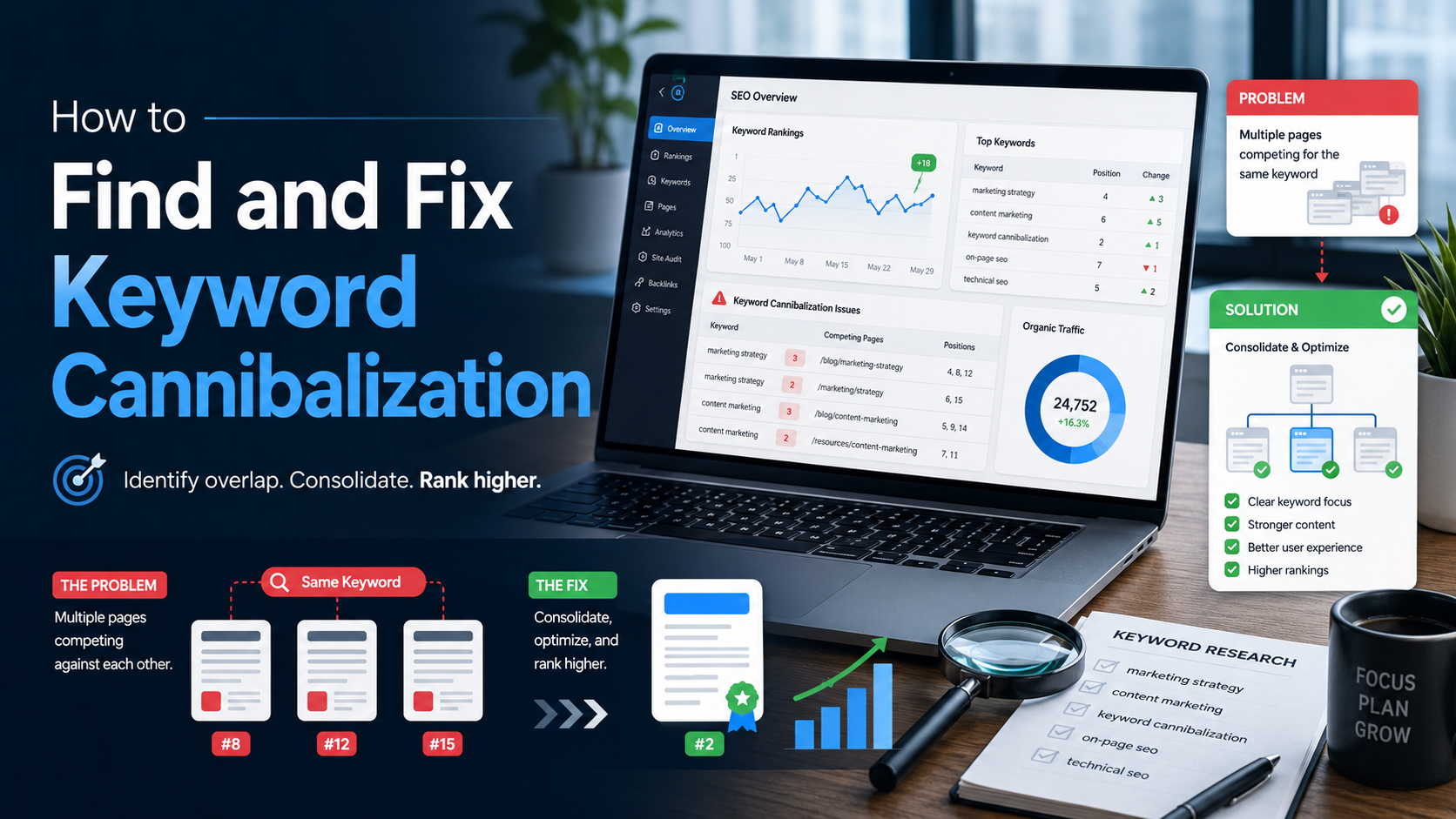
How to Find and Fix Keyword Cannibalization
Keyword cannibalization is what happens when two or more of your own pages chase the same search query. Instead of compe...
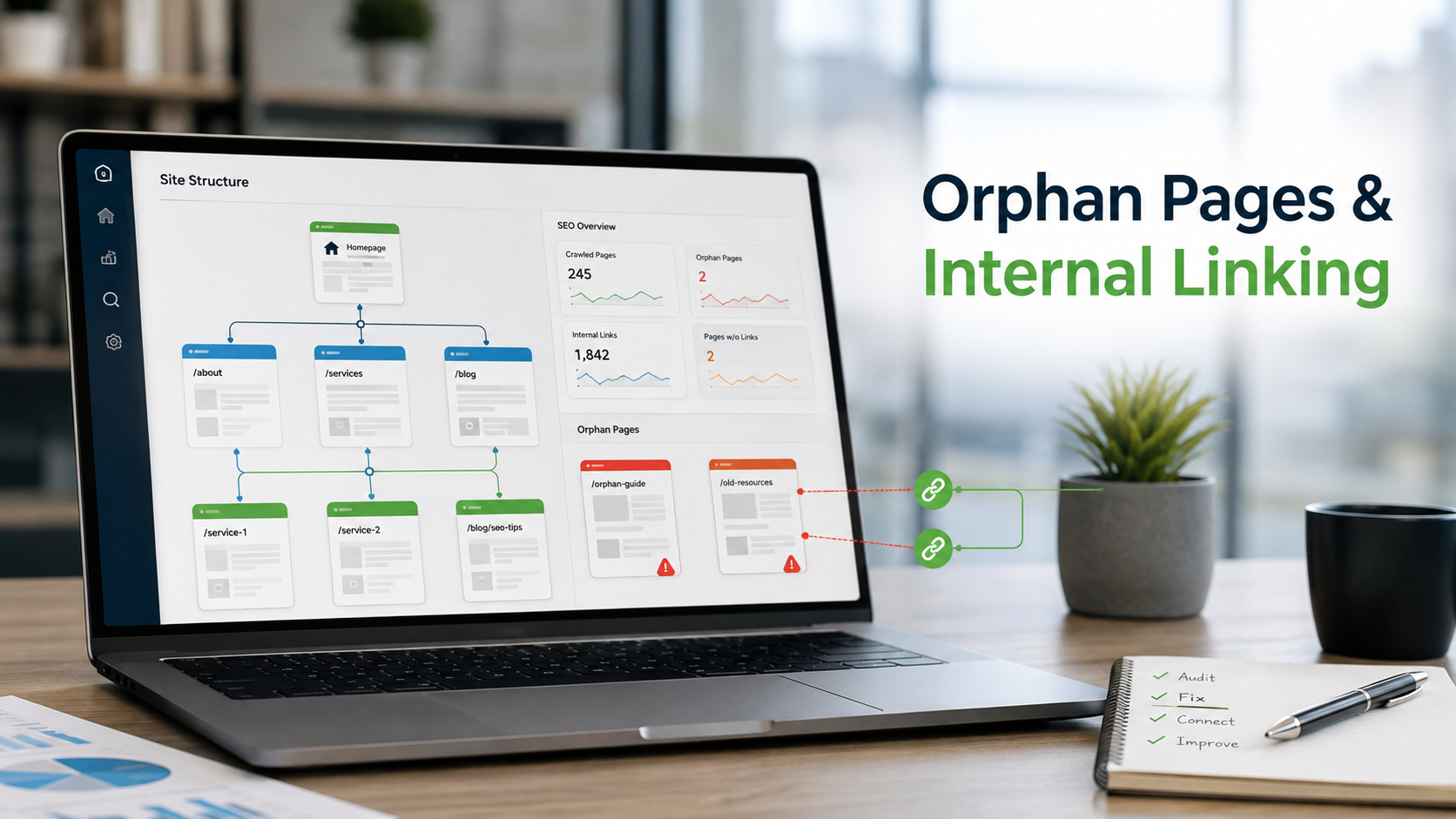
How to Find Orphan Pages and Fix Your Internal Linking
Every page on your site should be reachable through at least one link. When it is not, search engines struggle to find i...
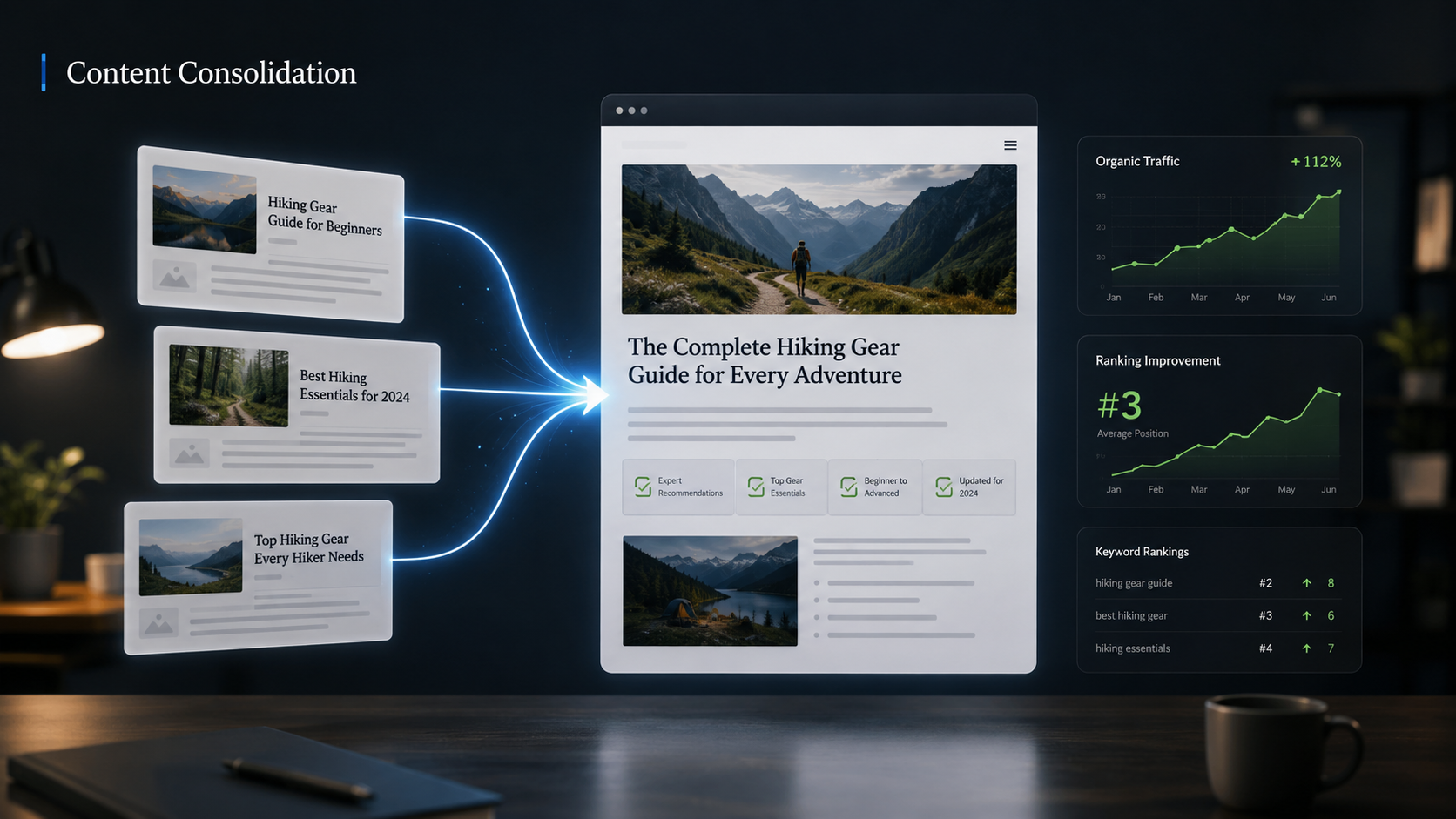
Content Consolidation: When to Merge Competing Articles
When two or three of your own pages chase the same topic, they compete with each other instead of the rest of the web. H...
Please log in or create an account to join the discussion.