
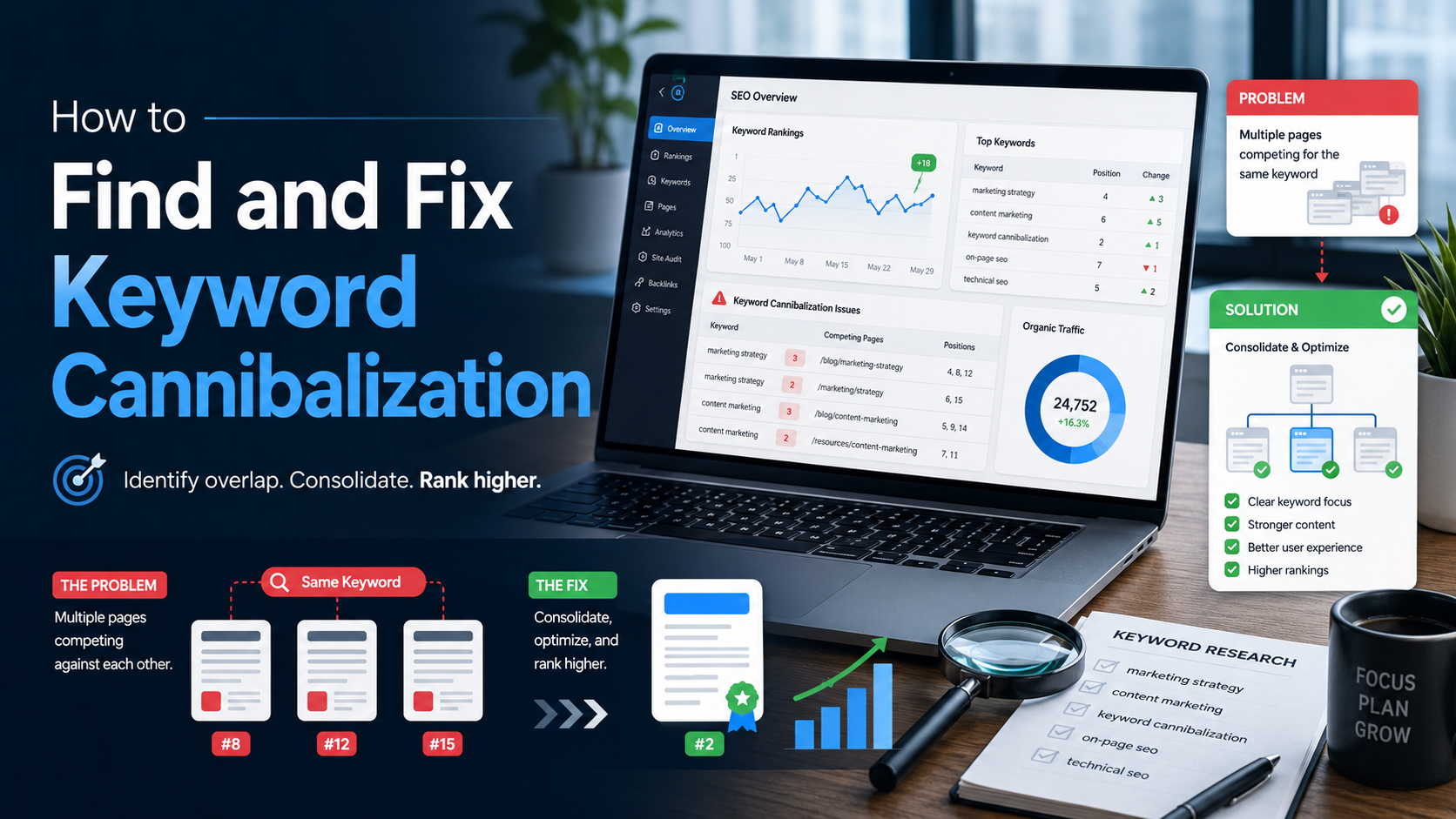
Keyword cannibalization is what happens when two or more of your own pages chase the same search query. Instead of competing with the rest of the web, they compete with each other, and neither one wins. This guide shows you how to spot it, prove it, and fix it without losing the rankings you already have.
What keyword cannibalization actually is
Search engines try to show the single most useful page for a query. When your site offers three pages that all answer the same question, the algorithm has to pick one, and it does not always pick the same one twice. The signals that should build up behind a single strong page get spread thin across several weaker ones.
The word cannibalization is dramatic, but the mechanism is dull. It is usually the result of publishing for years without a keyword map, so the same topic gets written up again by a new writer, a new campaign, or a new product team.
Only one result per query goes to the top. When your own pages fight for it, they take turns instead of climbing.
It is also easy to confuse with something harmless. Two pages that mention the same phrase are not cannibalizing each other. Two pages that serve the same intent for the same query are. The difference matters, and the diagnosis section below will help you tell them apart.
When overlap is fine
Not every shared keyword is a problem. A category page and a product page can both rank for a brand name. A pricing page and a comparison article can both appear for a software name because searchers want different things at different moments.
Google's own guidance on creating helpful content is a good sanity check here. If each page exists to help a reader with a distinct job, you have topical depth, not cannibalization. If you cannot explain in one sentence what one page does that the other does not, you have a problem worth fixing.
Overlap that helps versus overlap that hurts
| Situation | Verdict | Why |
|---|---|---|
| Guide and a tool page rank for the same term | Usually fine | One informs, one lets the reader act. Different intents. |
| Two blog posts answer the same question | Cannibalization | Same intent, same format, same audience. |
| Product page and its review page share a brand query | Usually fine | Searchers expect both to exist for a branded term. |
| Old and new version of an annual roundup both live | Cannibalization | The old one only exists because nobody retired it. |
| Location pages target the same service in different cities | Depends | Fine if the content is truly local. A problem if only the city name changes. |
Why it costs you rankings
The damage is rarely dramatic on any single day, which is why it goes unnoticed for so long. A page that should sit in position three hovers around position eight, and a page that should not rank at all takes turns with it.
Four ways competing pages hold each other back
| Cost | What happens |
|---|---|
| Split backlinks | Other sites link to whichever version they found first, so no single page collects enough authority to lead. |
| Diluted internal links | Your own navigation and body links point in several directions, which tells search engines you are not sure which page matters. |
| Unstable rankings | The ranking URL flips between candidates, and each flip resets whatever click history the previous one had built. |
| Lower click-through rate | The page that wins the flip is often the weaker one with a duller title, so the whole site earns fewer clicks for that query. |
There is a quieter cost too. Every duplicate page needs to be maintained, updated, and kept accurate. Most of them are not, so the older copy slowly drifts out of date while still occasionally ranking.
Symptoms to watch for
Before you open any tools, a few patterns in ordinary reporting point strongly at cannibalization. None of them is proof on its own, but two or three together usually are.
- A query where the ranking URL changes from month to month with no site changes to explain it
- A new article that launched well, then dropped once an older post on the same topic recovered
- Two pages with near-identical titles or the same target phrase in the URL slug
- Steady impressions for a query but a click-through rate far below your site average
- A page that ranks for a query it was never meant to target, while the intended page does not appear at all
How to find keyword cannibalization
There are five practical methods. The first two use free data you already have and will catch most cases. The rest help you confirm and scale.
01 - Filter Search Console by query
Open the Performance report in Google Search Console, set the date range to the last three to six months, and click a query you care about. Switch to the Pages tab. If more than one URL earns meaningful impressions for that exact query, write both down.
Do this for your twenty or thirty most important queries first. It takes about a minute per query and finds the cases that matter most to revenue.
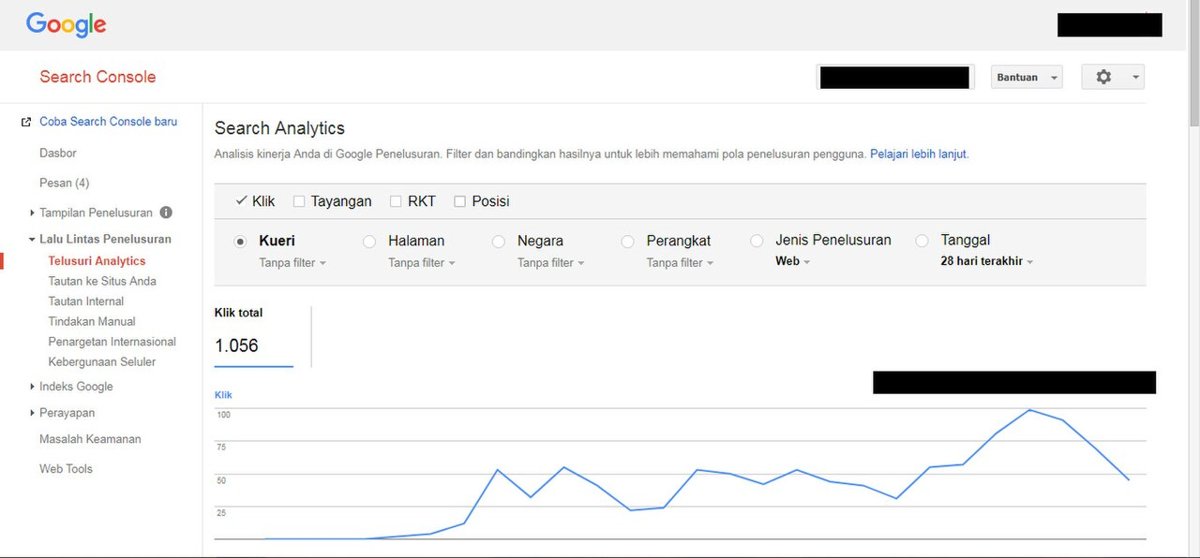
The Search Console performance report is where most cannibalization is first spotted.
02 - Compare periods and look for position swaps
For each suspected query, use the comparison mode to set one month against the previous one. A healthy page shows one URL holding a stable average position. A cannibalized query shows one URL losing exactly what the other gained.
The advanced filtering options let you match a substring across many queries at once, which speeds this up when a topic has dozens of variations.
03 - Run a site search on Google
Type the site operator followed by your domain and the keyword into Google, for example site:example.com running shoes. The results show every indexed page Google associates with that phrase, in the order it prefers them. Anything on the first page that is not your intended winner deserves a look.
The full list of search operators is short and worth ten minutes if you have not used them before. This method is fast, free, and works even without Search Console access.
04 - Crawl your titles and headings
Export every page title, H1, and URL from your CMS or a site crawler into a spreadsheet. Sort by title and scan for near matches. Pages that share the same first three or four words in a title are almost always chasing the same query, and this catches problems before Search Console shows them.
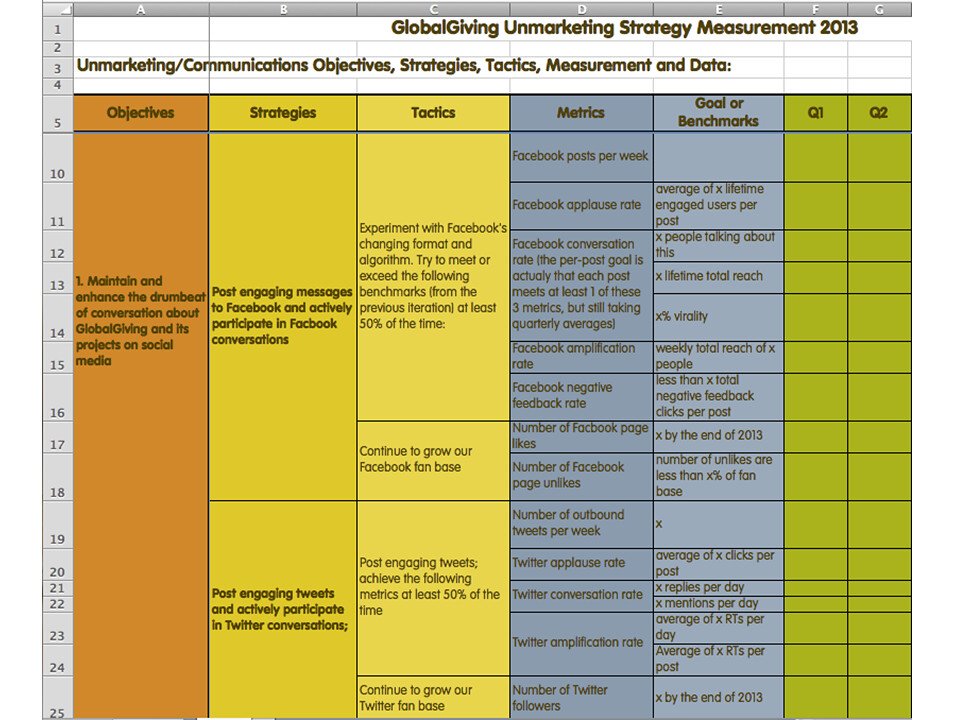
A sorted export of titles and URLs makes near-duplicate pages obvious at a glance.
05 - Use regular expressions for large sites
When a topic spans hundreds of query variants, a single substring filter is not enough. Search Console added regex filters that let you group patterns such as buy|price|cost into one view and see which URLs answer the whole cluster. Large publishers and online stores will find most of their cannibalization this way.
Confirm it before you act
Finding two URLs for one query is a lead, not a conclusion. Before you merge or redirect anything, answer three questions for each pair.
Three questions that separate real cannibalization from healthy overlap
| Question | If yes | If no |
|---|---|---|
| Do both pages serve the same intent? | Likely cannibalization. Move to the fix section. | Probably fine. Differentiate titles and leave both in place. |
| Would one page fully satisfy the reader on its own? | Consolidation is the safest fix. | Both have unique value, so differentiate rather than merge. |
| Does the weaker page have backlinks or conversions? | Redirect rather than delete, and keep its best content. | Retiring it costs nothing. Redirect anyway for safety. |
Write the answers into your audit sheet next to each URL pair. This becomes the reasoning you will want six months later when someone asks why a page disappeared.
How to fix keyword cannibalization
There are five fixes. Each one suits a different cause, and choosing the wrong one is how sites lose traffic while trying to gain it.

Consolidation works like a merging lane: two routes become one, and the traffic keeps flowing.
Five fixes and when each one applies
| Fix | Use it when | What you do |
|---|---|---|
| Consolidate | Two pages cover the same ground and neither is complete | Merge the best material into one definitive page and redirect the others to it. |
| Differentiate | Both pages have a reason to exist but drifted toward the same query | Rewrite titles, headings, and openings so each targets its own intent clearly. |
| Canonicalize | Near-duplicate URLs must stay live, such as filtered or parameter versions | Point the duplicates at the preferred URL with a canonical tag. |
| Redirect | One page is clearly obsolete and adds nothing worth merging | Send it permanently to the surviving page and remove it from sitemaps. |
| Reshape internal links | The right page exists but the wrong one keeps winning | Update anchor text and navigation so every relevant link points to the intended winner. |
Consolidation, done carefully
Merging is the fix with the highest payoff and the highest risk. Start by choosing the survivor, which is usually the URL with the most backlinks and the strongest history, not necessarily the newest or the best written. Move the unique sections from the losing page into the survivor, then update the survivor's title and introduction to reflect the fuller scope.
Only after the merged page is live should you redirect the old URL. Google's documentation on redirects and search explains which redirect types pass signals and how long the change takes to settle. Expect a few weeks of movement before rankings stabilize.
Differentiation, the underused option
Many teams jump straight to merging when the real problem is that two useful pages have identical framing. A beginner's guide and an advanced troubleshooting page can both exist, but not if both are titled with the same three words.
Rewrite the title tag and H1 of each page so the intent is obvious. Adjust the first paragraph to state who the page is for. Then update internal links so the beginner article links to the advanced one and vice versa, using anchor text that names the difference.
Canonical tags, for duplicates that must stay
Some duplicates cannot be removed. Sorted product listings, print versions, and tracking-parameter URLs all need to exist for users. Here the answer is a canonical tag, which tells search engines which version to treat as the original.
The process of canonicalization is a suggestion rather than a command, so make sure your sitemap and internal links agree with the tag. When the signals conflict, search engines choose for themselves, and they do not always choose the page you wanted.
Do not use noindex or robots.txt to fix cannibalization Blocking a page hides it, but it does not pass its links or history to the page you want to win. A redirect or a canonical tag consolidates value. A block simply throws it away. |
Choosing the right fix
When you are unsure, the decision usually comes down to two facts: whether the pages share intent, and whether the weaker page has anything worth keeping.
A quick decision guide
| Same intent? | Weaker page has unique value? | Best fix |
|---|---|---|
| Yes | Yes | Consolidate, then redirect |
| Yes | No | Redirect |
| No | Yes | Differentiate and cross-link |
| No | No | Retire the weaker page and clean up links |
| Technical duplicate | Not applicable | Canonical tag |
A worked example
A software company found three pages competing for the phrase project management templates. The oldest was a 2021 blog post with forty backlinks. The second was a 2024 resource page with better design and no links. The third was a landing page that mentioned templates in its title but was really about the product.
What happened to each page
| Page | Signal | Fix | Result after 60 days |
|---|---|---|---|
| 2021 blog post | Most backlinks, dated content | Chosen as survivor and rewritten with the 2024 material | Moved from position 9 to position 4 |
| 2024 resource page | Best content, no links | Content merged in, URL redirected to the survivor | Traffic transferred within three weeks |
| Product landing page | Wrong intent, occasional ranking | Title changed to name the product, templates phrase removed | Stopped appearing for the query, conversions unchanged |
The lesson is that the survivor was not the prettiest page. It was the one with the history. Merging the good content into the strong URL beat the alternative of redirecting the strong URL to the good content.
Preventing it from coming back
Fixing cannibalization once is a project. Preventing it is a habit, and the habit is simple: one primary keyword per page, recorded somewhere everyone can see it.
Keep a keyword map, which is a sheet with one row per URL and one column for its primary query. Before any new article is commissioned, the writer or editor checks the map. If the query is already taken, the brief changes to either update the existing page or target a genuinely different intent.
The map stays honest only if it is reviewed. Cannibalization is one of the clearest findings from a regular content audit, where every URL gets a verdict of keep, refresh, consolidate, redirect, or retire. Pages that swap positions for the same query are the strongest signal that a consolidate verdict will pay off.
Two more habits help. Retire annual roundups when the new edition publishes, by redirecting the old year to the new one. And give every page an owner, because unowned pages are the ones that quietly drift into someone else's keyword.
Mistakes that make it worse
- Redirecting the stronger URL to the weaker one because the weaker one looks nicer
- Merging pages that serve different intents, which creates one page that satisfies nobody
- Deleting a page without a redirect and losing every link that pointed at it
- Fixing titles but leaving internal links pointing at the old page
- Redirecting removed pages to the homepage instead of the closest relevant page
- Judging results after one week, when rankings need several weeks to settle
Measuring whether the fix worked
Record the baseline before you change anything: average position, clicks, and impressions for the query, plus which URL was ranking. Then check the same numbers at thirty, sixty, and ninety days.

Compare the same query before and after the fix, and give it ninety days before judging.
Success looks like one URL holding a stable position that is better than either page achieved alone, with clicks for the query going up rather than simply shifting. If the survivor ranks lower than the old best result after ninety days, revisit the merged content, because the problem is now quality rather than competition.
What to track for each fixed query
| Metric | Baseline | Healthy sign at 90 days |
|---|---|---|
| Ranking URL | Two or more alternating | One URL, consistently |
| Average position | Best of the competing pages | Equal or better than that best |
| Clicks for the query | Combined total across pages | Higher than the combined baseline |
| Backlinks to survivor | Links to the survivor only | Includes links inherited through redirects |
Conclusion
Keyword cannibalization is rarely a single dramatic error. It builds up slowly as a site grows, and it drains rankings just as slowly. The good news is that every step of the fix uses free tools and plain judgment.
Find the queries where your URLs swap places. Confirm that the pages truly share intent. Choose the fix that matches the cause, keep the URL with the history, and record what you changed. Then put a keyword map in place so the next writer checks before they publish. That last step is the one that keeps you from doing all of this again next year.
Discussion 0
More posts
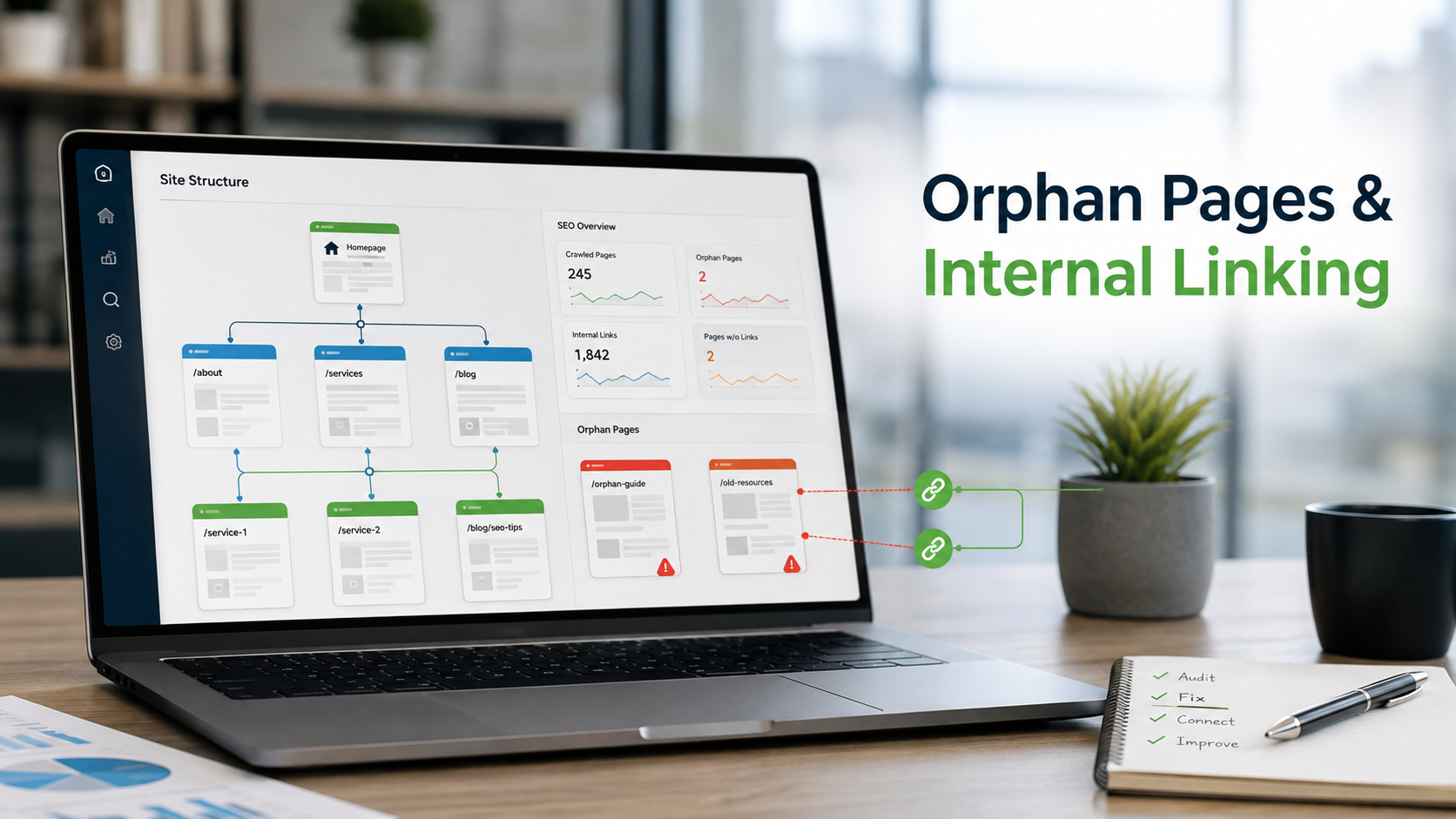
How to Find Orphan Pages and Fix Your Internal Linking
Every page on your site should be reachable through at least one link. When it is not, search engines struggle to find i...

Content Consolidation: When to Merge Competing Articles
When two or three of your own pages chase the same topic, they compete with each other instead of the rest of the web. H...

How to Refresh Old Blog Posts Without Losing Rankings
Older articles quietly lose traffic as facts age and search habits change. Here is how to update them so they climb back...
Please log in or create an account to join the discussion.