How to Refresh Old Blog Posts Without Losing Rankings

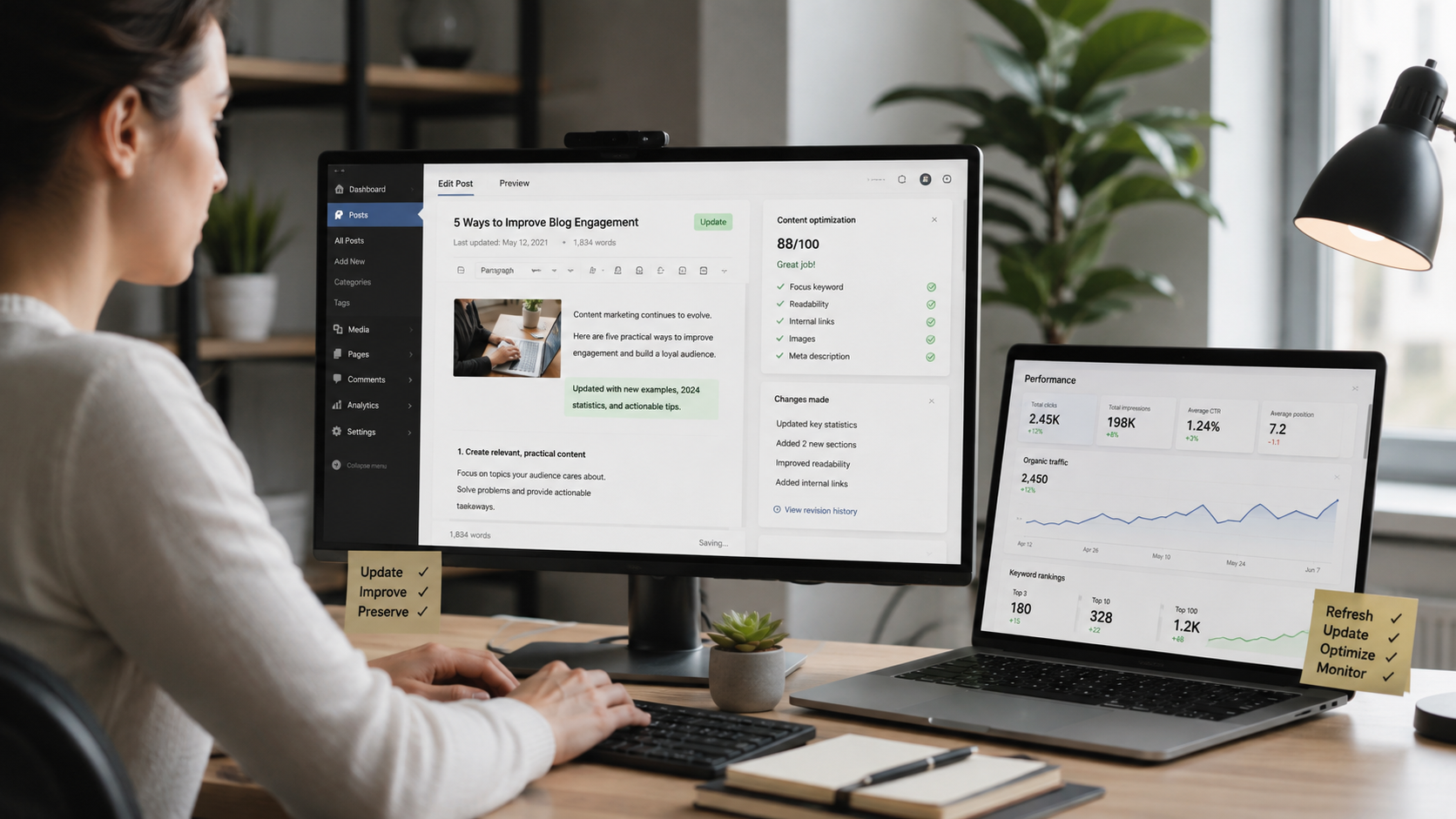
Older articles quietly lose traffic as facts age and search habits change. Here is how to update them so they climb back up instead of slipping further down.
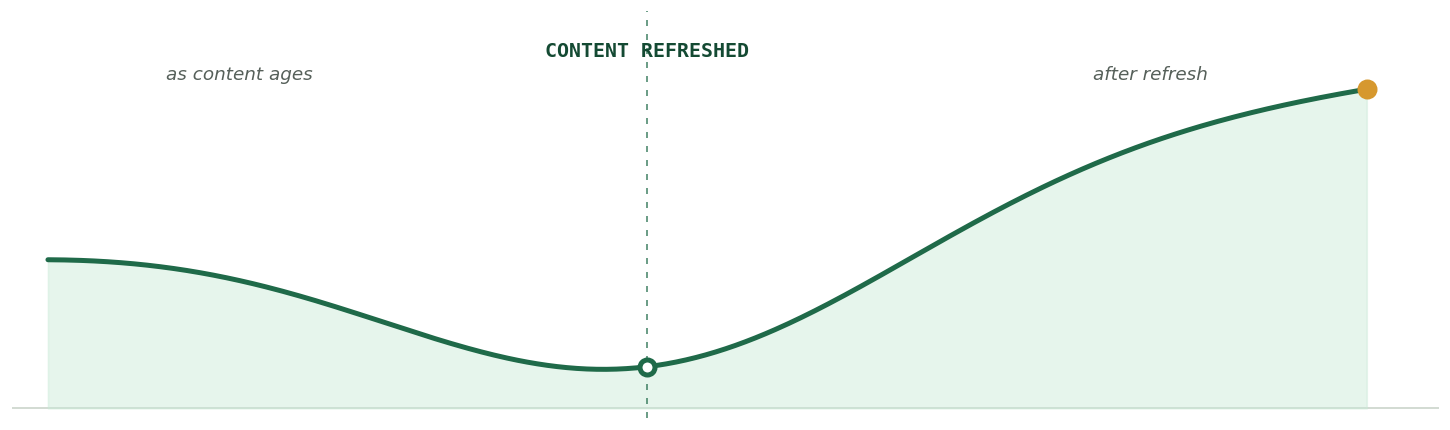
Left unattended, a ranking page drifts down. A careful refresh sends it back up, often past where it started.
What refreshing content really means
Content refreshing means updating an article you have already published so it stays accurate, useful, and competitive, rather than writing something new from scratch. The page keeps its address and its history while the content inside it improves.
It is not a cosmetic edit. Fixing a typo or nudging a date does nothing on its own. A real refresh updates facts, sharpens the writing, fills gaps, and brings the piece back in line with what readers and search engines expect today.
Done well, it is one of the highest return habits in content marketing. You are building on authority the page has already earned instead of starting from zero.

A refresh improves the page you already have, rather than replacing it.
Why old posts lose their rankings
A post that once ranked well can lose ground for reasons that have nothing to do with writing quality. Understanding why helps you fix the right things.
The information ages. Statistics, prices, tools, and best practices change, and a page full of outdated details slowly loses the trust of both readers and search engines.
Search intent shifts. The results Google shows for a query today can look very different from a few years ago, so a page that matched intent at launch may no longer answer what people actually want. Search Engine Land has a useful breakdown of how shifting intent quietly drains traffic from older pages.
Competition grows. New articles get published, some more thorough than yours, and they gradually push older pages down the results.
The good news is that your existing pages already carry authority, backlinks, and history. Refreshing them is usually faster and higher return than starting a brand new post.
Which posts to refresh first
Not every old post deserves a rewrite. Spreading effort across your whole archive wastes time, so start by finding the pages with the most to gain.
Signs a post is ready for a refresh
A few signals make good candidates easy to spot. Watch for pages that are slipping in position, losing clicks month over month, or sitting on page two where a small push could move them onto page one.
Also flag posts with visibly outdated information, a publish date that undercuts their credibility, or a strong ranking on a topic that still matters to your audience.
Start with a content audit
The cleanest way to find these pages is a structured review of everything you have published. If the process is new to you, this guide on what a content audit is and why it matters walks through how to catalog your pages and spot the ones that are declining or underperforming.
Once you have the list, prioritize the quick wins first: pages close to page one, posts losing traffic, and articles on topics with steady search demand.
A simple audit spreadsheet turns a messy archive into a clear list of what to refresh first.
The different types of content refresh
Not every refresh looks the same. Matching the effort to the problem keeps you from over working a page that needs a light touch, or under working one that needs a rebuild.
| Type of refresh | Best for | Effort |
|---|---|---|
| Light update | Posts that are mostly fine but carry a few outdated facts, links, or figures. | Low |
| Expand and deepen | Pages that rank but fall short of what the top results now cover. | Medium |
| Full rewrite | Older posts with thin or off intent content that still target a valuable keyword. | High |
| Merge and consolidate | Several weak posts competing for one topic that would rank better as a single page. | Medium |
| Prune or redirect | Outdated posts with no traffic, no backlinks, and no real path to recovery. | Low |
Most of your archive will only need light updates or expansions. Save full rewrites and consolidation for the pages where the upside clearly justifies the work.
The one rule that protects your rankings
Keep the same URL. This is the single most important habit when refreshing content. Your existing URL holds the rankings, backlinks, and history you have built over time. |
Publishing the update as a fresh page throws that value away and forces you to start over. Edit the existing post in place instead.
If you genuinely must change the URL, for example when the slug no longer fits the topic, set up a 301 redirect from the old address to the new one so the value carries across.
Your step by step refresh workflow
Once you know which post to work on, run it through the same repeatable process every time.

Run every refresh through the same steps so nothing important gets missed.
Benchmark the current numbers
Before you change anything, record how the post performs today. In Google Search Console, note its main queries, average position, impressions, and clicks. This becomes your baseline for later.
Fix what has gone out of date
Replace old statistics, broken links, outdated screenshots, and any advice that no longer holds. Accuracy is the fastest way to rebuild trust with both readers and search engines.
Re-match the current search intent
Search your target keyword and study the pages ranking at the top. Note the questions they answer and the angles they cover, then close those gaps in your own post so it fits what searchers expect now.
Sharpen the title and meta description
A clearer, more compelling title tag and meta description can lift clicks with no change in ranking at all. Keep them accurate to the content, and never promise more than the page delivers.
Strengthen internal links
Add links from your newer, related posts back to the refreshed page, and link out from it to other relevant articles. This spreads authority and helps readers and crawlers move through your site.
Refresh media and page experience
Compress heavy images, add descriptive alt text, and check that the page loads quickly and reads well on mobile. A smoother experience keeps readers on the page longer.
Update the date, but only honestly
When the changes are substantial, updating the visible modified date is helpful. Google explains how it chooses the right date for a page, and warns against freshening a date when nothing meaningful has changed.
Ask Google to take another look
Once the update is live, submit the URL for re-indexing in Search Console. This nudges Google to re-crawl the page sooner rather than waiting for its next natural visit.
How often should you refresh content
There is no single correct schedule. The right cadence depends on how fast your topics change and how much content you have.
As a rough guide, review your most important pages every three to six months, and give the rest of your library a look at least once a year. Time sensitive topics, like anything tied to prices, tools, or yearly trends, need attention more often.
The aim is a steady rhythm, not a one time cleanup. A handful of refreshes each month keeps your best pages current without ever letting the whole archive fall behind.
Let performance set the priority. When a page starts sliding, move it up the queue rather than waiting for its scheduled turn.
Mistakes that quietly cost you rankings
A few common habits can undo the benefit of a good refresh. Watch for these as you edit.
| What to avoid | Do this instead |
|---|---|
| Deleting the old post and publishing the update at a new URL. | Edit the original page in place, or add a 301 redirect if the URL truly has to change. |
| Changing only the date to look current while the content stays the same. | Make real improvements first, then update the date to reflect them. |
| Rewriting everything and stripping out sections that already rank. | Keep the parts that perform, then expand and update around them. |
| Stuffing in extra keywords to chase the algorithm. | Write for the reader and place keywords naturally where they fit. |
| Expecting rankings to jump the moment you hit publish. | Give the changes a few weeks and track the trend before editing again. |
Most of these mistakes share one root cause: doing things for the algorithm instead of the reader. Google's guidance on creating helpful, people first content is a good gut check whenever you feel tempted to take a shortcut.
How to measure whether it worked
A refresh is not finished when you publish. The real test is what happens to the page over the following weeks.
Return to Search Console and compare the numbers against the baseline you recorded in step one. Track average position, impressions, and clicks for the queries that matter most, and watch whether the trend moves up.
Give it time. Google needs to re-crawl and re-evaluate the page, and it weighs many signals together rather than reacting to any single change. Ranking movement rarely happens overnight.
If the numbers are flat after a month or so, revisit the post. Look for intent gaps you may have missed, sections that are still thinner than the competition, or a title that is not earning the click.

Check performance a few weeks later, then decide whether the page needs another pass.
A quick refresh checklist
Before you hit publish on any refresh, run through this short list.
- The URL is unchanged, or a 301 redirect is in place.
- Outdated facts, figures, and broken links are fixed.
- The content matches what currently ranks for the target keyword.
- The title tag and meta description are clear and accurate.
- Internal links point to and from the refreshed page.
- Images are compressed and carry descriptive alt text.
- The modified date reflects a genuine update.
- The URL has been submitted for re-indexing in Search Console.
The bottom lineRefreshing old content is one of the most reliable ways to grow search traffic, because you are improving pages that have already proven they can rank. The work is smaller than writing from scratch, and the payoff often arrives faster. The whole strategy rests on one idea: improve the page in place and let real updates carry it forward. Keep the URL, update what has genuinely aged, match the current search intent, and only then refresh the date. Everything that protects your rankings follows from that. Avoid the shortcuts. Changing dates without changing content, deleting pages that still rank, and stuffing in keywords all work against you. Google rewards pages that are genuinely more useful, not pages that only look fresh. Treat it as an ongoing habit rather than a project with an end. Pick the handful of posts that have slipped the most, run them through the workflow above, measure what happens, and repeat. A well maintained library holds its rankings far better than one that is published and forgotten. |
Discussion 0
More posts
How to Find and Fix Keyword Cannibalization
Keyword cannibalization is what happens when two or more of your own pages chase the same search query. Instead of compe...
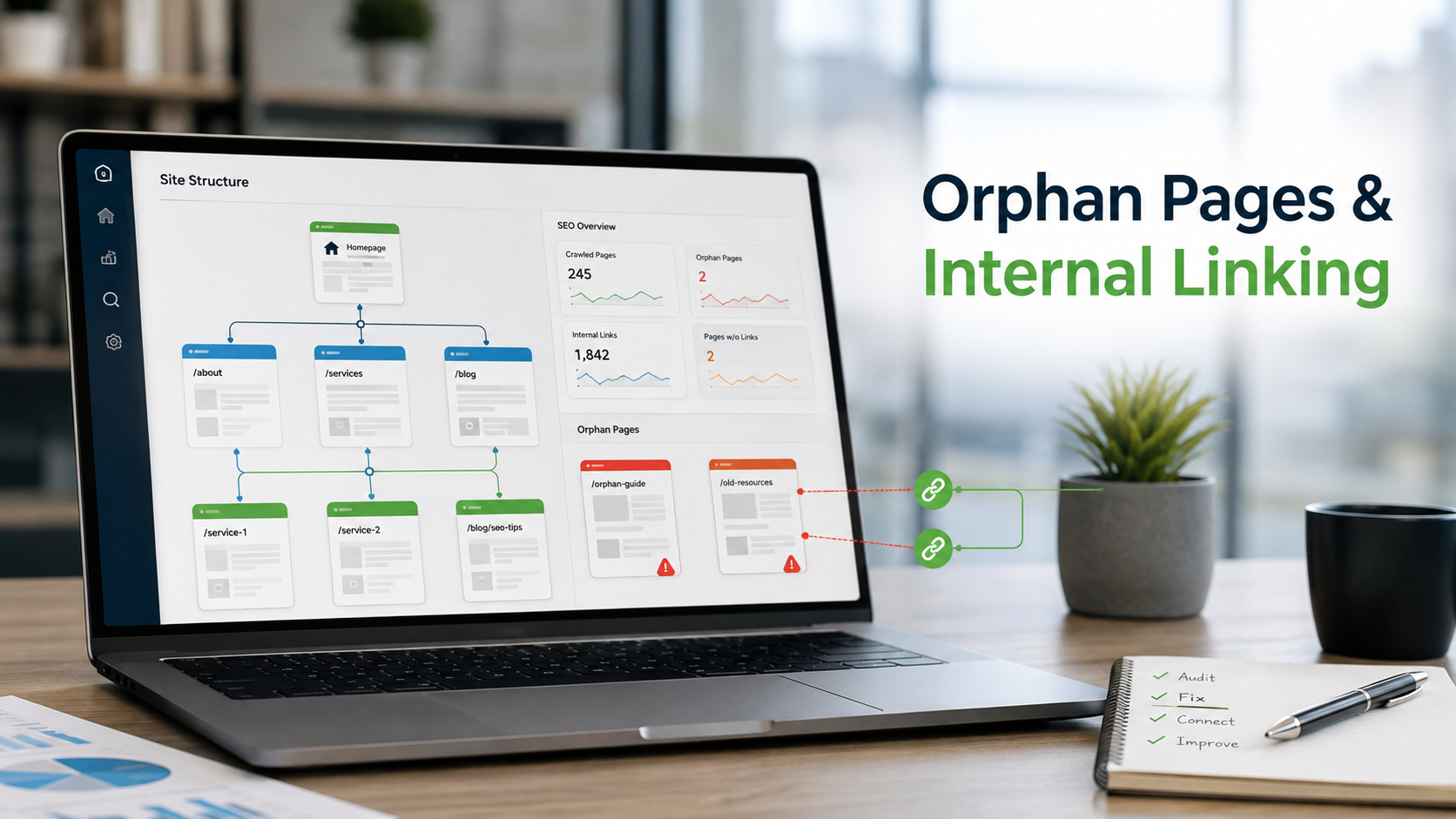
How to Find Orphan Pages and Fix Your Internal Linking
Every page on your site should be reachable through at least one link. When it is not, search engines struggle to find i...
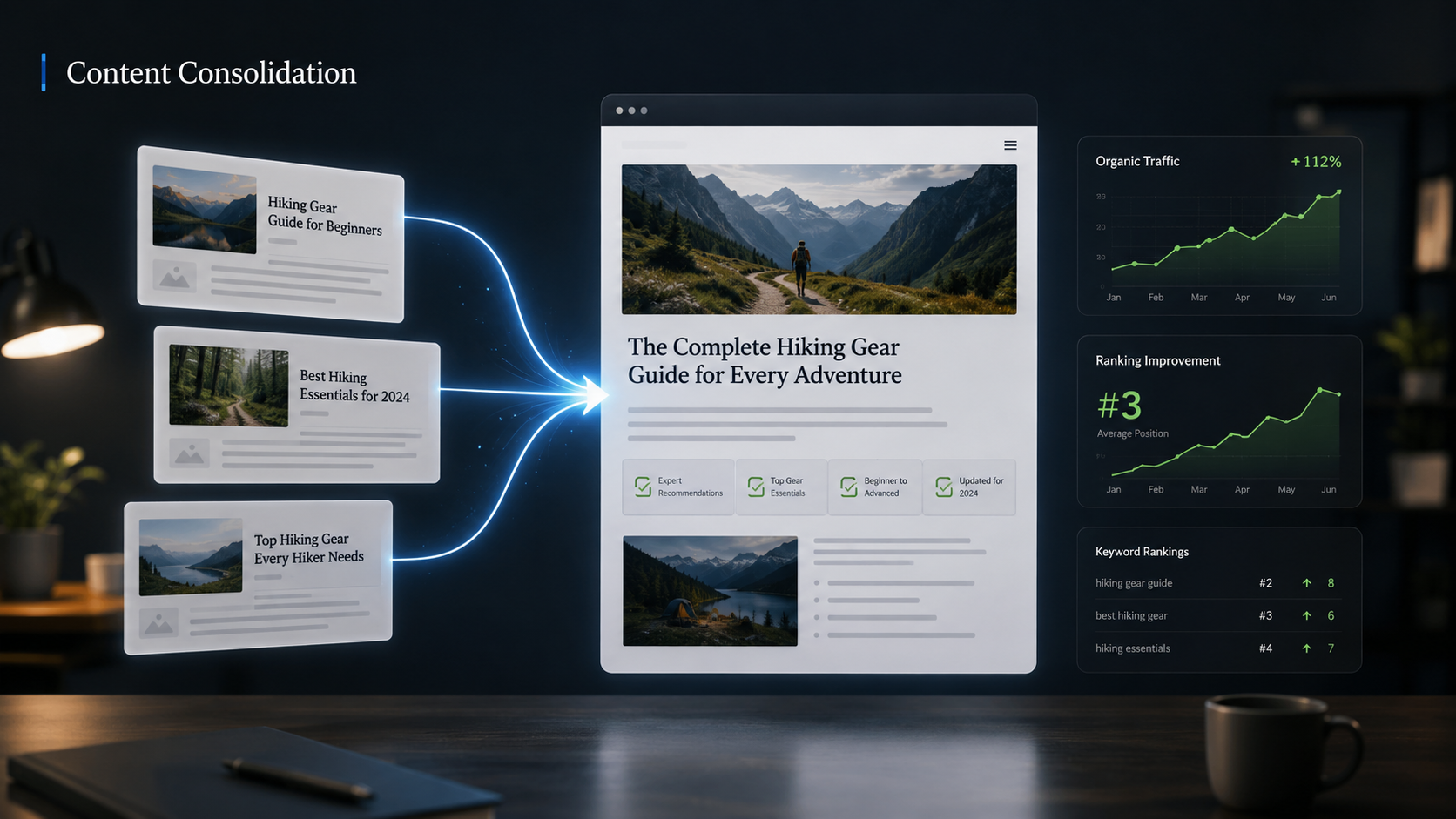
Content Consolidation: When to Merge Competing Articles
When two or three of your own pages chase the same topic, they compete with each other instead of the rest of the web. H...
Please log in or create an account to join the discussion.