Content Pillar vs Blog Category vs Tag: What Actually Organizes Your Site?

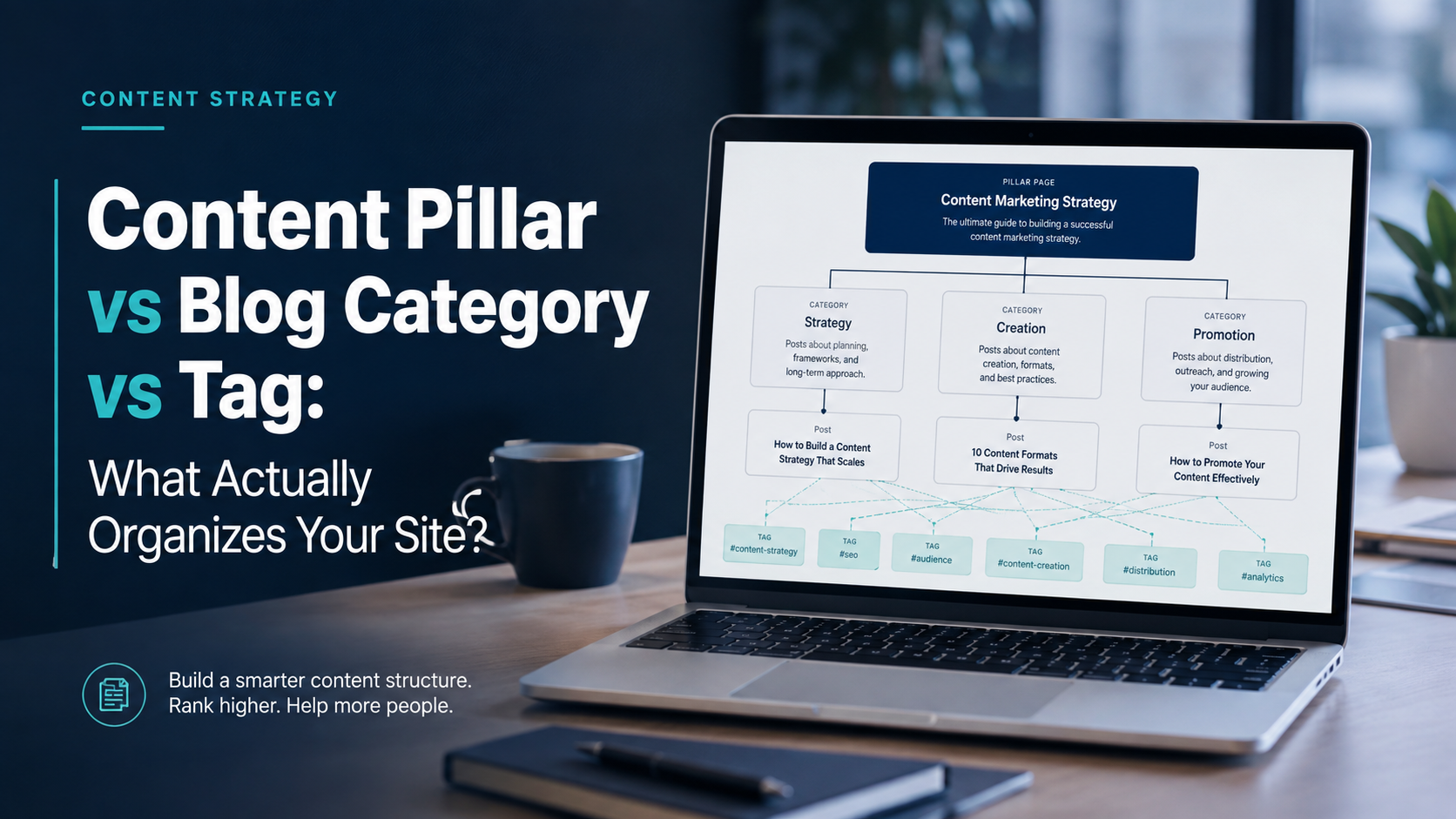
Three tools get mixed up constantly, and the confusion quietly wrecks site structure. Here is what each one really does, and how to use all three together without overlap.
Three tools get mixed up constantly, and the confusion quietly wrecks site structure. Here is what each one really does, and how to use all three together without overlap.
The short version A content pillar is a strategy decision about what you cover. A category is a navigation decision about where a post lives. A tag is a discovery decision about what a post mentions. One theme it feeds, one home it lives in, a handful of labels it carries. |
Three layers, one structure
The pillar sits at the center and pulls posts toward it. Categories file each post into one clear section. Tags mark specific details and cross those sections freely.
Layer 1 / Strategy Content pillar: the durable subject the whole site is built around, anchored by a deep hub page. | ||
Category Dinners | Category Baking | Category Techniques |
Tags cross every category gluten-free, 30-minute, one-pan, beginner, make-ahead | ||
Pillar is the strategy layer. Category is the navigation layer. Tag is the discovery layer.
The one-sentence difference
Most people treat pillar, category, and tag as three words for the same thing. They are not. Each answers a different question, and each lives at a different layer of your site.
A pillar answers a strategy question: what do we keep coming back to? A category answers a filing question: where does this post belong? A tag answers a detail question: what specific things does this post touch? Keep those three questions apart, and the rest gets easy.
Content pillar
A content pillar is a core topic your whole site is built around. It is a planning choice, not a menu item, and it usually shows up as one deep hub page plus a set of supporting posts that link back to it.
Think of it as the load-bearing subject you have earned the right to own. A cooking site might build a pillar around weekly meal prep, then support it with focused posts on batch cooking, storage, and grocery planning.
If you want the full breakdown of the two ways the term gets used, and how the supporting cluster works, read our complete reference on what a content pillar is. This article assumes that background and focuses on how the pillar sits next to categories and tags.
Blog category
A category is a broad bucket that decides where a post lives in your site's structure. It is part of your navigation, it usually appears in the menu, and most blogs give each post exactly one category.
Categories are for readers first. They answer the question a visitor asks on arrival: what kinds of things do you write about, and where is the section I care about? Good categories map to the main sections of your site.
Because categories often become part of the URL and the site menu, they carry real weight for people and search engines alike. Google's guidance suggests grouping related content into logical directories so visitors and crawlers can tell where one topic ends and another begins, which you can read in the Google SEO starter guide.
Tag
A tag is a small, specific label that marks a detail a post mentions. Unlike categories, tags are many per post, they rarely belong in the main menu, and they cross category lines freely.
If a category is the room a post lives in, a tag is a sticky note on the door that says this also touches X. A single recipe might sit in the Dinners category while carrying tags like gluten-free, 30-minute, and one-pan.
Used with restraint, tags help discovery. Used carelessly, they spawn hundreds of near-empty archive pages that dilute your site, since each tag usually generates its own URL. Keeping those URLs clean matters, which is why Google covers it in its notes on URL structure.
The comparison at a glance
| Attribute | Content pillar | Blog category | Tag |
|---|---|---|---|
| Question it answers | What do we keep covering? | Where does this post live? | What does this post mention? |
| Layer | Strategy | Navigation | Discovery |
| How many per post | One theme it supports | One, in most cases | Several |
| In the main menu | Rarely, as a hub page | Yes, typically | No, usually hidden |
| Breadth | Very broad | Broad | Narrow and specific |
| Main audience | Search and strategy | Readers browsing | Readers digging deeper |
| Changes how often | Rarely, it is durable | Rarely | Freely, as needed |
| Risk if misused | Too many pillars, no focus | Overlapping sections | Tag sprawl and thin pages |
Table 1. The three layers, compared attribute by attribute.
How they work together
These three are not competitors. They are three layers stacked on top of each other, and a healthy site uses all of them at once without overlap.
The pillar decides the subject you invest in. The category files the finished post into one clear section. The tags mark the specific details, so a reader on one post can jump sideways to related posts in other sections.
A useful test is direction. A pillar pulls posts toward a center through internal links. A category sorts posts down into a hierarchy. Tags connect posts across that hierarchy. Center, down, and across, each doing a job the others cannot.

One clear home per item, a label for what each one holds. Categories file, tags describe.
This layering is really information architecture, the practice of organizing content so people can find it. For a deeper, vendor-neutral tour of structure and navigation, Nielsen Norman Group's information architecture study guide is a solid place to start.
Filing one post, start to finish
WORKED EXAMPLE Take one post: a 30-minute gluten-free sheet-pan salmon. Pillar it feeds: weekly meal prep, the durable subject the site invests in. Category it lives in: Dinners, the one section a reader expects it in. Tags it carries: gluten-free, 30-minute, one-pan, drawn from the existing list. One pillar, one home, three labels. Filed in a sentence. |
The mistakes that cause the confusion
Using tags like categories
Making a tag for every broad section duplicates work your categories already do, and leaves you with two competing navigation systems that both feel half-built.
Filing one post under three categories
Multiple categories per post blur your menu and usually signal that the categories themselves overlap. Pick the single best home, and let tags carry the rest.
Calling every category a pillar
A category is a place in your navigation. A pillar is a subject you build real depth around. Renaming a thin section does not give it the supporting cluster a pillar needs.
Inventing a new tag for every post
A tag used once is not helping anyone find anything. It just creates a lonely archive page. Reuse a small, controlled set instead of growing the list forever.
A simple way to file any post
When you are about to publish and you are unsure how to sort something, run it through three questions in order.
- Which durable subject does this support? That is its pillar. If nothing fits, the topic may be off-strategy.
- What single section would a reader expect this in? That is its category, and there should be only one.
- What specific things does it mention that other posts also mention? Those are its tags, drawn from your existing list.
One pillar it feeds, one home it lives in, a handful of labels it carries. If you can answer all three in a sentence, your structure is working.
Discussion 0
More posts

How to Find and Fix Keyword Cannibalization
Keyword cannibalization is what happens when two or more of your own pages chase the same search query. Instead of compe...

How to Find Orphan Pages and Fix Your Internal Linking
Every page on your site should be reachable through at least one link. When it is not, search engines struggle to find i...

Content Consolidation: When to Merge Competing Articles
When two or three of your own pages chase the same topic, they compete with each other instead of the rest of the web. H...
Please log in or create an account to join the discussion.