Content Invenatory vs Content Audit: What's the Difference?

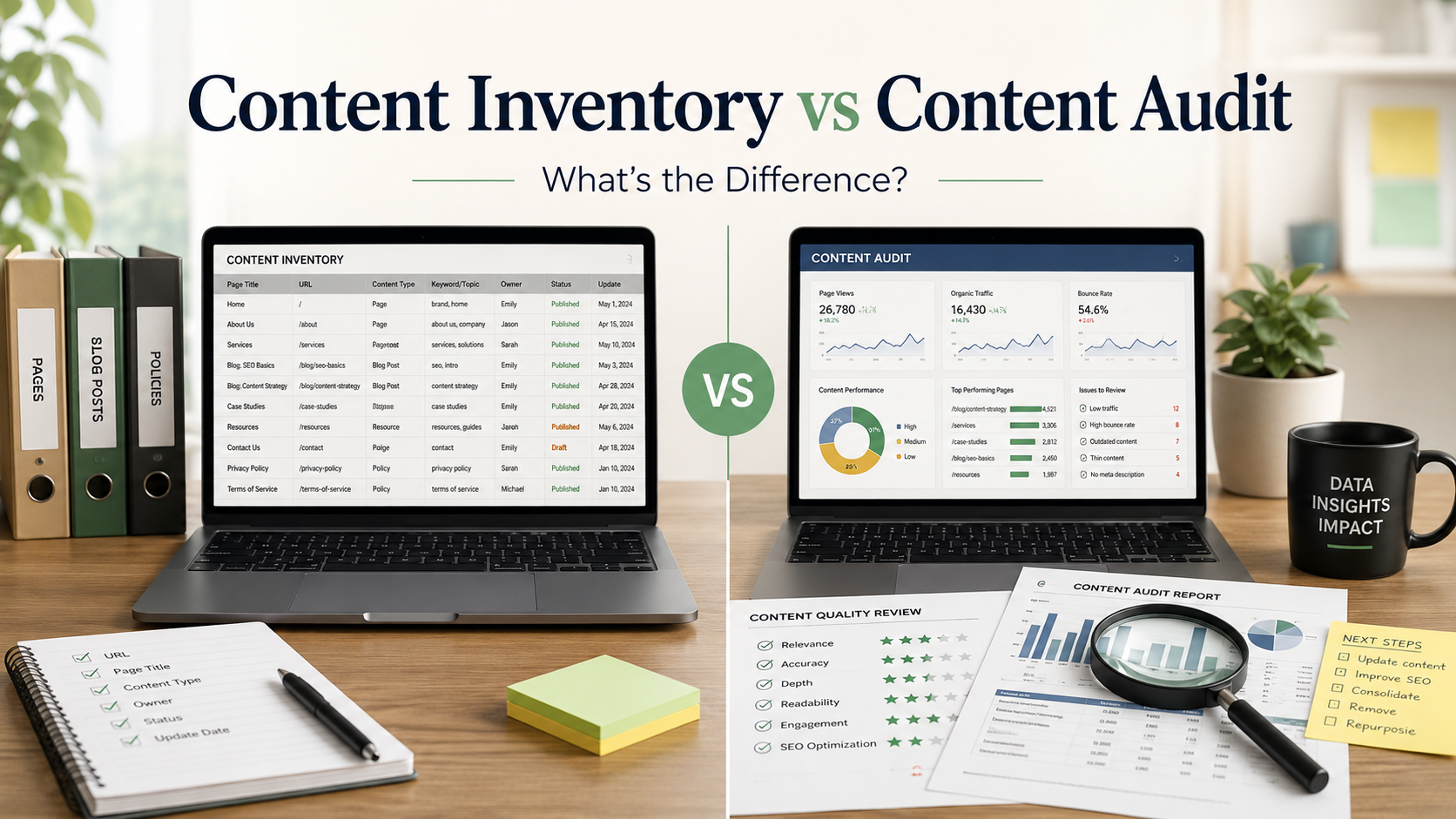
One tells you what content you have. The other tells you how well that content works. Here is how the two fit together, and why your website needs both.
Ask five marketers to explain the difference between a content inventory and a content audit, and you will often hear the two terms used as if they mean the same thing. They do not. Each one answers a very different question about your website.
A content inventory tells you what content you have. A content audit tells you how well that content performs. Mixing them up leads to messy projects, wasted hours, and reports that nobody acts on.
The confusion is understandable, because the two activities share a spreadsheet, a website, and often the same team. The difference lives in the type of thinking each one demands.
What Is a Content Inventory?
A content inventory is a complete, factual list of every content asset your website holds. Think of it as a stock count for your content library. It records what exists, where it lives, and in what form.
Most teams build the inventory in a spreadsheet, with one row per URL or asset. Each row captures objective details rather than opinions, which keeps the document neutral and reusable.

An inventory turns a sprawling website into structured, countable data.
What to record for every asset
The exact columns vary by team, but a useful inventory captures most of the following for every single asset:
- URL and page title, so every asset has a fixed address in the sheet.
- Content type, such as blog post, landing page, product page, PDF, or video.
- Publish date and last updated date, which expose aging content at a glance.
- Author or content owner, so follow-up questions always have a clear destination.
- Word count, a rough but useful signal of depth and effort.
- Target keyword and meta description, connecting each page to a search intent.
- Internal links in and out, which reveal orphan pages and dead ends.
- Indexability status, including canonical tags, redirects, and noindex flags.
The practice covers far more than blog posts. A thorough content inventory catalogs pages, PDFs, images, videos, and downloadable files, so nothing on the site escapes the record.
How to build one quickly
Start with a website crawler, which visits every reachable page and exports the list with titles, status codes, and metadata already attached. This alone usually captures the bulk of the site in minutes.
Then cross-check the crawl against your XML sitemap and a CMS export. The comparison surfaces orphan pages that no internal link points to, along with drafts and forgotten uploads that only the CMS knows about.
The key word throughout is factual. An inventory makes no judgments about quality. It simply documents reality, so that every decision made later rests on complete information.
What Is a Content Audit?
A content audit is the evaluation that happens on top of the inventory. It examines each asset and asks whether the content is accurate, relevant, high quality, and pulling its weight toward your business goals.
Where the inventory collects facts, the audit applies judgment. You score pages against defined criteria, record the reasoning, and end with a decision for every single asset.

Audits pair hard performance data with editorial judgment.
The four areas an audit examines
Strong audits look at each page from several angles at once, because a page can win in one area and quietly fail in another. Most scoring frameworks cover these four dimensions:
- Content quality: accuracy, depth, originality, readability, and whether the information is still current.
- SEO performance: rankings, organic traffic, impressions, click-through rate, and backlinks earned.
- User engagement: time on page, scroll depth, bounce behavior, and conversions the page assists.
- Strategic fit: brand voice match, funnel stage coverage, and overlap with other pages on the site.
Quality benchmarks matter at this stage. Many teams grade their pages against Google's guidance on creating helpful, reliable, people-first content, which offers practical questions for judging whether a page truly serves its readers.
The four verdicts every page receives
The output of an audit is an action plan, not a pile of scores. Every page leaves the review with one of four verdicts attached:
- Keep: the page performs well and stays as it is, with a date set for the next review.
- Update: the topic is right but the content needs fresher data, better depth, or stronger optimization.
- Consolidate: the page overlaps with a stronger one, so the two merge and a redirect preserves the traffic.
- Remove: the page is outdated, off-strategy, or unsalvageable, and it exits the site with a redirect in place.
If you are new to the process, start with our full guide on what a content audit is and why it matters. It walks through the steps, tools, and metrics in detail, then come back here to see how the inventory fits in.
Content Inventory vs Content Audit: Key Differences
The simplest way to separate the two is to see them next to each other. The table below compares the core question, the type of analysis, the people involved, and the outcome of each process.
| ASPECT | CONTENT INVENTORY | CONTENT AUDIT |
|---|---|---|
| Core question | What content do we have? | How well does that content perform? |
| Type of analysis | Quantitative and factual | Qualitative and evaluative |
| Typical output | A spreadsheet that lists every asset with its details | A scored review with a recommendation for every asset |
| Skills involved | Data collection and careful organization | Editorial judgment and performance analysis |
| Who usually runs it | Content operations, SEO, or web teams | Content strategists, editors, and SEO leads |
| Common tools | Website crawlers, CMS exports, spreadsheets | Analytics platforms, search data, scoring rubrics |
| Time required | A few hours to a few days | Several days to a few weeks |
| Frequency | Maintained as a living document all year | Run quarterly, twice a year, or before big projects |
| End result | A complete map of the content library | A prioritized plan to keep, update, merge, or remove pages |
Researchers at Nielsen Norman Group frame it neatly in their guide to content inventories and audits: the inventory is the list of everything you have, while the audit evaluates the quality of what sits on that list.
KEY TAKEAWAY The inventory is a map of your content. The audit is the judgment you pass on every location that map reveals. One without the other leaves the job half done. |
How the Two Work Together
These processes are not rivals. They are consecutive steps in the same workflow, and the audit is only as reliable as the inventory beneath it.
1 INVENTORY → 2 ENRICH → 3 EVALUATE → 4 ACT

The inventory gives the audit its raw material, and the audit gives the inventory a purpose.
- Build the inventory. Crawl the site, export every URL, and record the factual details for each asset in one spreadsheet. This becomes the single source of truth for everything that follows.
- Layer in performance data. Pull traffic, engagement, backlink, and conversion numbers into the same sheet. Now every row pairs what the page is with how the page performs.
- Evaluate against your criteria. Score each page for quality, relevance, and results, and note the reasoning behind every score. Consistent criteria keep two reviewers from reaching two different conclusions.
- Turn findings into action. Assign every page a verdict, an owner, and a priority level, then schedule the work. An audit that ends in a spreadsheet instead of a calendar changes nothing.
Skip the first step and the audit inherits blind spots. Pages you never listed are pages you never evaluated, and they quietly drag down the performance of the whole site.
When Do You Need Each One?
Timing depends on what your website is going through. Certain projects call for a fresh inventory, while others demand a full audit.

Put both processes on the calendar, because neither happens by accident.
Reach for a content inventory when
- You are planning a redesign or migration, and every asset that must move needs a documented home.
- A new team member or agency takes over and needs a trustworthy map of the existing library.
- Your CMS has grown for years without documentation, and nobody can say what is actually live.
- You are scoping a governance plan and need to know the true size of the maintenance job.
Run a content audit when
- Organic traffic or rankings have been sliding, and you need to find the weak pages responsible.
- You are rebranding or shifting strategy, and older content may no longer fit the message.
- You publish regularly, yet conversions have flatlined despite the growing library.
- Search updates reward depth and expertise, and thin older pages may be holding the domain back.
When to run both together
For annual planning, do both in sequence. Refresh the inventory first, then audit it, so next year's content strategy is built on current, verified information.
The pairing also pays off right after a migration or redesign launches. The fresh inventory confirms that nothing was lost in the move, and the audit checks that the surviving pages still perform in their new home.
Tools That Make the Job Easier
You do not need an expensive stack for either process. A website crawler handles the heavy lifting of the inventory, walking every internal link and exporting URLs, titles, metadata, and status codes in one pass.
For audit data, Google Search Console is the essential free companion. It shows the queries each page ranks for, its impressions and clicks, and any indexing problems that a crawl alone would miss.
An analytics platform then supplies the engagement and conversion side of the story. Pipe everything into one spreadsheet, keep the columns consistent, and both projects stay manageable even for a team of one.
Common Mistakes to Avoid
Five errors show up again and again when teams tackle these projects for the first time. Each one is easy to prevent once you know to look for it.
- Auditing without a complete inventory. Unknown pages escape the review entirely, so always crawl before you judge.
- Treating the inventory as a one-time task. It should be a living document, updated every time significant content ships or retires.
- Collecting scores but scheduling nothing. Convert every verdict into a task with an owner and a deadline, or the audit changes nothing.
- Judging pages by traffic alone. A low-traffic page that converts or supports the funnel can outvalue a popular one, so weigh strategic fit too.
- Deleting content too quickly. Removed URLs need redirects to a relevant page, otherwise you leak link equity and strand visitors on error pages.
The Bottom Line
A content inventory and a content audit are two halves of one discipline. The inventory documents what you have, and the audit decides what deserves to stay, improve, or go.
Do them in that order, keep the inventory current, and repeat the audit on a schedule. Your content library will stay lean, accurate, and built around pages that actually earn their place.
Block out the time this quarter, even if you start with just your top fifty pages. A small, finished inventory and audit will teach you more about your content than a giant plan that never ships.
Discussion 0
More posts
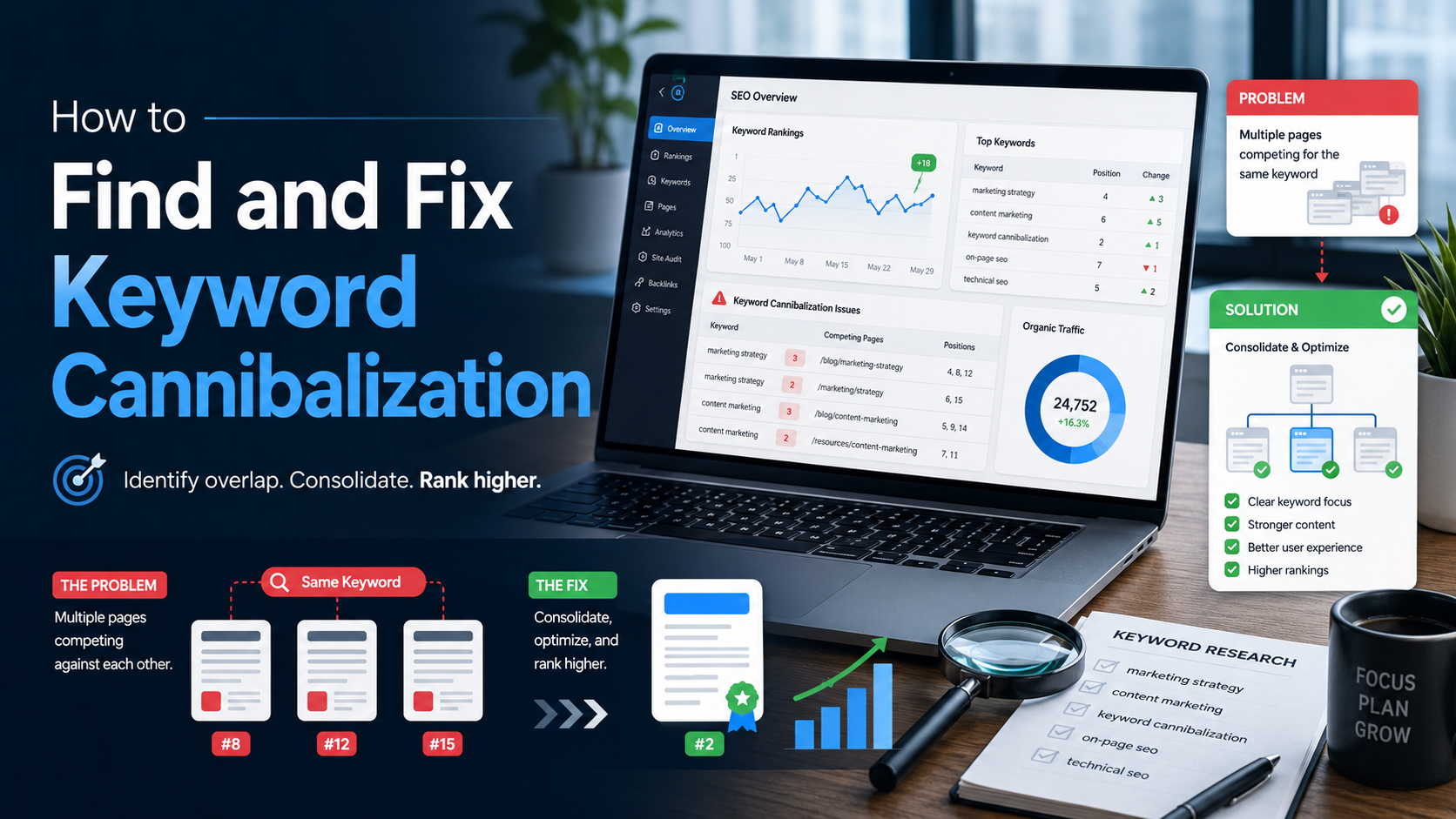
How to Find and Fix Keyword Cannibalization
Keyword cannibalization is what happens when two or more of your own pages chase the same search query. Instead of compe...
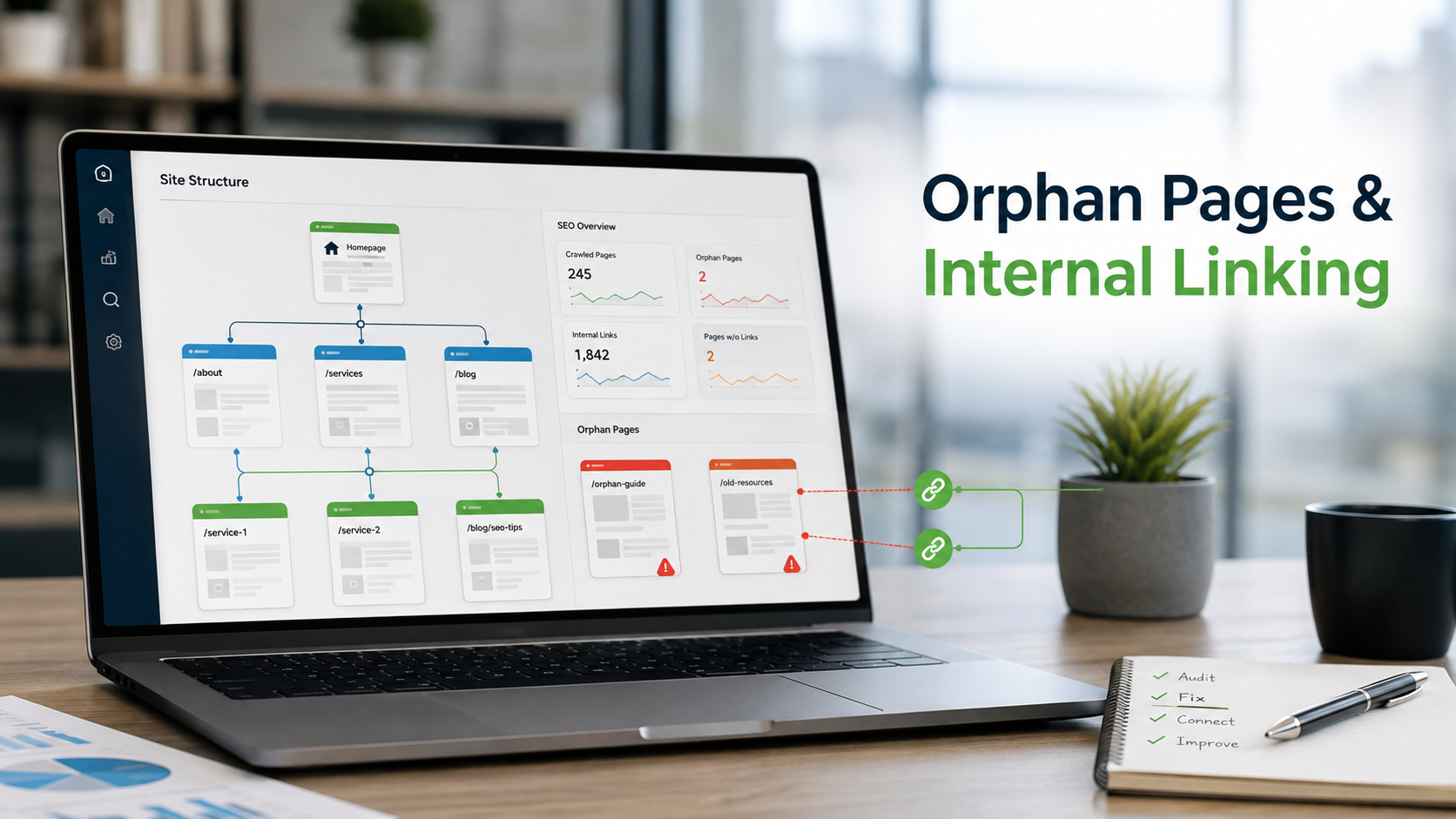
How to Find Orphan Pages and Fix Your Internal Linking
Every page on your site should be reachable through at least one link. When it is not, search engines struggle to find i...
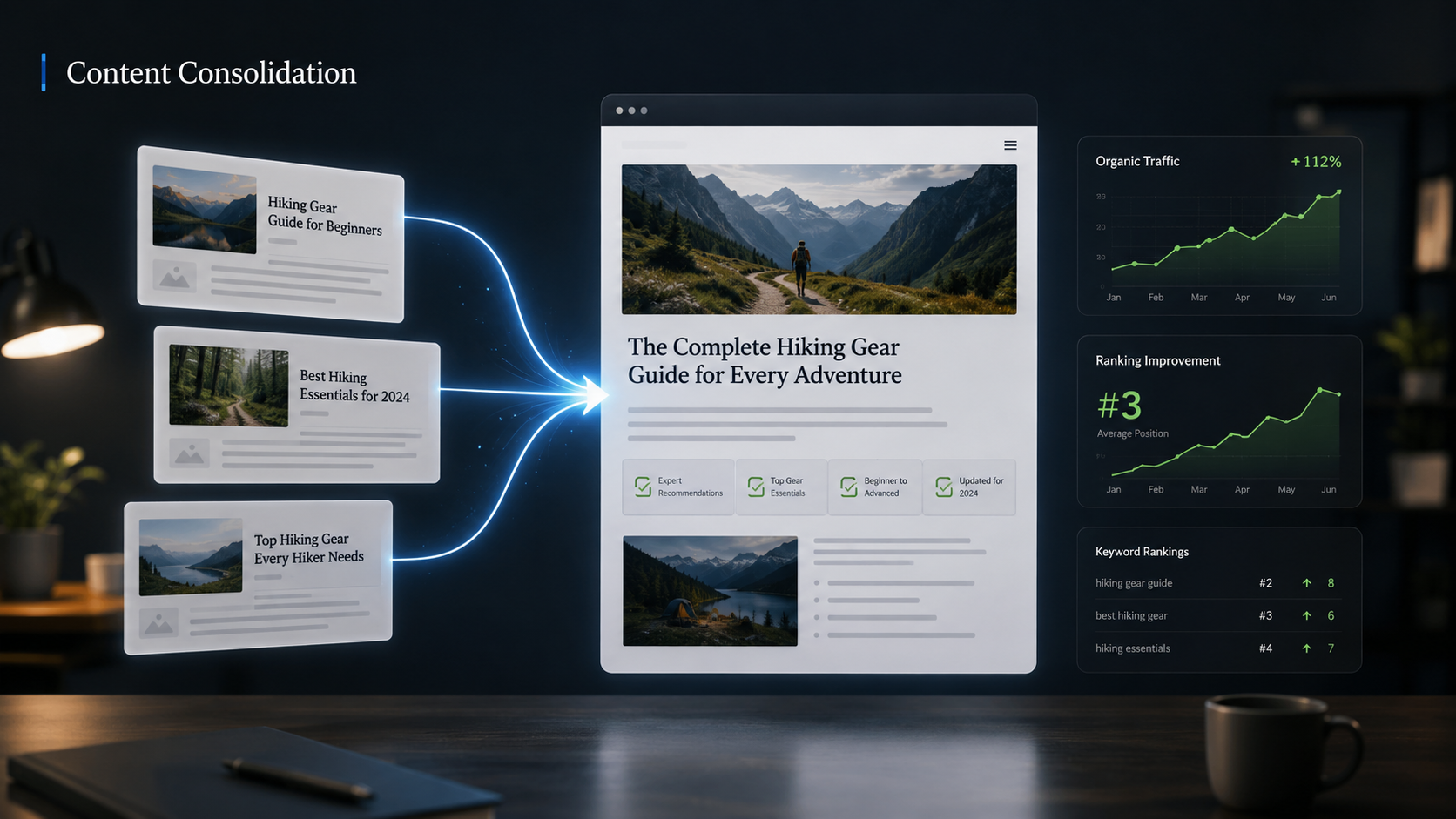
Content Consolidation: When to Merge Competing Articles
When two or three of your own pages chase the same topic, they compete with each other instead of the rest of the web. H...
Please log in or create an account to join the discussion.