
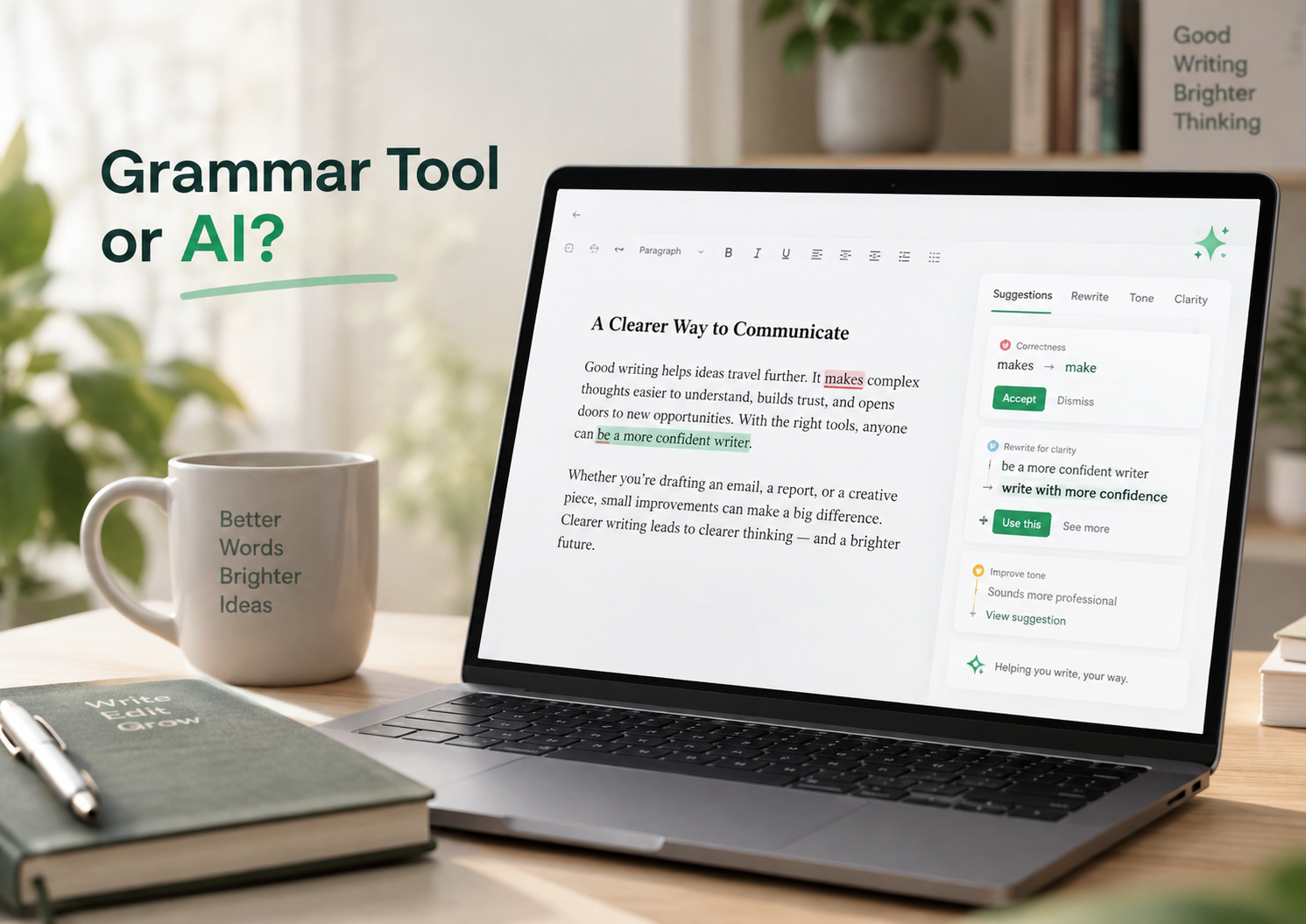
It runs on AI and has a generative assistant built in, yet millions use it just to catch stray commas. The honest answer depends on which part you touch, and it is worth understanding exactly why.
For most of its life, Grammarly was a spell-checker with good manners. It underlined typos, nudged you off the passive voice, and stayed in the margins. Then generative AI arrived, Grammarly built its own, and a tool that once felt as neutral as a dictionary landed inside a thornier question: if you used it, did you write this, or did a machine?
That question is not abstract anymore. Students have faced misconduct cases over it, professionals wonder whether they should disclose it, and "I only used Grammarly" has become a genuinely fraught sentence. The good news is that the confusion clears up quickly once you separate what the tool actually does. Let us work through it properly.
THE SHORT ANSWER Grammarly is powered by AI, but "using AI" and "AI writing" are not the same thing. Fixing grammar, spelling and clarity in text you wrote is not what people mean by AI writing, and detectors generally do not treat it that way. Its generative features, which produce sentences and paragraphs from a prompt, absolutely are. Same logo; the line runs straight through the middle of the product. |
BY THE NUMBERS More than 30 million people use Grammarly every day by the company’s reported figures, with some 2025 reports putting the number above 40 million. It has offered a free version since 2009, is used by tens of thousands of organizations including much of the Fortune 500, and works across hundreds of thousands of apps and websites. On its free plan, generative prompts are capped at roughly 100 a month. |
The distinction
Two tools wearing one logo
The confusion is baked into the branding. Grammarly calls itself an "AI writing assistant," a phrase that quietly lumps a comma fix and a from-scratch draft into one bucket. Underneath, it has grown into two different tools sharing an icon, and knowing which one you are using is the whole game.
Corrective AI The classic Grammarly Fixes grammar, spelling, punctuation Flags wordiness and unclear phrasing Tightens a sentence you wrote Detects tone so you can adjust it yourself Your ideas, mostly your words | Generative AI Rewrites and the AI assistant Drafts new text from a prompt Rewrites whole passages in a new voice Generates ideas, outlines, replies Summarizes and expands on demand The words originate with the model |
The generative side has a name. Grammarly folds it into an assistant, sometimes branded GrammarlyGO, that you prompt inside your document: make this shorter, sound more formal, draft a reply, write an intro about X. It also offers one-click rewrites, tone shifts, and even a "humanize" option that reworks text specifically so it reads less like a machine produced it. That last feature is a tell in itself: a tool does not need to disguise your own sentences, only ones that came from an AI.
This split is recent. Grammarly began in 2009 as a corrective engine and only layered in a full generative suite from 2025 onward (drafting, rewriting, citation suggestions and more). Its parent company was also renamed Superhuman in late 2025, though the writing tool still shows up as Grammarly on your toolbar, so do not be alarmed by an unfamiliar name in your billing. Catching a comma splice is not authorship in any real sense; asking the assistant to produce your introduction is. Everything difficult lives in between.
The real test
Where the words come from
Here is the cleanest way to hold it: "AI writing" is about where the words originate, not which app was open. If the sentences came from your head and Grammarly tidied them, that is editing. If they came from a model and you accepted them, that is AI writing, whether from Grammarly, a chatbot, or anything else.
The tool is not the test. The origin of the words is the test.
The tricky part is the middle, and it is worth making concrete. Take one messy sentence and watch where the line falls:
You wrote "The data shows that our customers, in a lot of cases, are not really that satisfied with the onboarding process that we currently have in place right now." |
Grammarly tightens it (still editing) "The data shows many customers are dissatisfied with our current onboarding." Your idea, your finding, your sentence, just clearer. This is yours. |
You prompt the assistant (AI writing) You type: "Write an opening paragraph about the problems with our customer onboarding." A fresh paragraph appears. The words, structure and framing came from the model. This is AI writing, wherever it lives. |
Notice what shifted. In the middle row you supplied the thought and the tool compressed it. In the bottom row you supplied a request and the tool supplied the thinking. The danger zone is repeated one-click acceptance of full-sentence rewrites: each click feels like a small edit, but stacked across a document they quietly relocate the authorship from you to the model. Assistance, used heavily enough, becomes generation by another name.
Detection
What detectors actually see

In academic settings the stakes are highest, and detectors, not tool names, decide what gets flagged.
AI detectors do not keep a blocklist of apps, and they cannot "see" that you opened Grammarly. They read the finished text and look for the statistical signature of machine writing: prose that is unusually smooth, even, and predictable, where a human tends to be more varied and idiosyncratic.
Three details are worth knowing, because they change how much you should worry:
- AI detection is separate from plagiarism detection. The similarity score (matching your text against existing sources) and the AI-writing score are two different checks. A paper can be perfectly original and still draw an AI flag, and the reverse.
- Very low scores are deliberately not shown. To limit false positives, Turnitin does not attach a figure to scores in the low range, roughly the bottom fifth, marking them with an asterisk instead. Plain grammar fixes rarely push you near the threshold.
- Paraphrase and "humanizer" tricks are a target, not an escape. Detectors increasingly flag text run through spinning or humanizing tools, so using one to dodge a flag can be riskier than the original.
Crucially, false positives are real. Naturally clean, formulaic human writing can occasionally trip a model, which is exactly why a single score should never be treated as proof on its own.
CASE IN POINT In 2024, University of North Georgia student Marley Stevens was placed on academic probation after a detector flagged her paper, despite her saying she used only Grammarly’s standard grammar and spell-check. It went viral, and the school briefly pulled Grammarly from its recommended-tools list. Whatever the truth of that one paper, the lesson generalizes: the detector did not know or care which app she used, it judged the text. |
Grammarly actions and their risk (a rule of thumb, not a guarantee)
| What you did in Grammarly | Detector risk | Integrity risk |
|---|---|---|
| Grammar, spelling, punctuation fixes | Very low | Low |
| Small clarity / conciseness edits | Low | Check policy |
| Full-sentence and tone rewrites | Moderate | Disclose |
| Generate text from a prompt | High | High |
| "Humanize" to dodge detection | High | Often a breach |
In practice
What it means for you

For students, the governing rule is the course policy, not the tool’s name. Photo: CC0, Wikimedia Commons.
If you are a student
Read your instructor’s and institution’s policy first. They vary widely, and the policy, not the brand, governs you. Some allow grammar tools freely; a few restrict any AI assistance; most sit in between and simply want honesty about substantive help. Basic corrections are almost always fine; generated or heavily rewritten passages usually need permission or disclosure. The MLA now advises acknowledging functional AI use, including having a tool edit or rewrite your prose, and many university library guides echo the same advice: when in doubt, ask first and keep your drafts.
If you are a professional
Nobody is running your work emails through a detector, so use whatever helps you communicate clearly and quickly. The one caution is for anything that carries your name as its thinking: a byline, a legal or client-facing document, a public statement. There, keep the ideas and judgment yours and let the tool handle polish rather than substance. The risk is not a detector; it is putting your name to reasoning you did not actually do.
If you are a writer or creator
Decide deliberately where your voice ends and the tool begins. Corrective help rarely erodes a distinctive voice; aggressive rewriting flattens it toward the statistical average, which is the opposite of why anyone reads you in particular. If you lean on the free tier, it is worth knowing exactly which AI features you actually get. Our breakdown of what Grammarly’s free plan includes and what is locked lays it out.
Protection
If you are worried about a false flag
If your real fear is being wrongly accused, the strongest defense is not avoiding tools, it is being able to show your process. A few habits make an accusation easy to answer:
- Keep your drafts and version history. A document’s edit trail, messy early notes and revisions over days, is powerful evidence that the ideas grew from you rather than appearing fully formed.
- Use Grammarly’s Authorship feature if it is available to you. It records how text entered a document, whether typed, generated by AI, or pasted from elsewhere, and can produce a report showing the work came together by hand. Used honestly, it is a shield, not a trap.
- Treat any single detector score as a conversation, not a verdict. Scores swing between tools and carry real false-positive rates; a flag is a reason to talk through your process, not proof of anything.
- Do not reach for a "humanizer." Running honest work through an evasion tool can flag it and looks worse if questioned. If your writing is yours, you do not need to disguise it.
What real users say
Step away from the AI-writing debate and look at how people actually rate the tool day to day. Across the major review platforms Grammarly scores consistently well, though the averages move over time and differ by platform. The figures below are current as of 2026.
| Platform | Average rating | Number of reviews |
|---|---|---|
| G2 | ~4.7 / 5 | ~14,000 |
| Apple App Store | ~4.6 / 5 | ~181,000 |
| Trustpilot | ~4.1 / 5 | 10,000+ |
| Capterra | Highly rated | 7,200+ verified |
What reviewers praise
- It reliably catches grammar, spelling and punctuation mistakes, the job it was built for.
- It is genuinely easy to use and works right inside email, documents and the browser.
- Non-native English speakers repeatedly call it a confidence booster for professional writing.
- Tone and clarity suggestions help match the register of a message.
- A Grammarly survey found 93 percent of respondents said it saved them time.
What reviewers complain about
- Intrusive pop-ups and interface prompts that interrupt the flow of writing.
- Over-correction: unnecessary underlines and awkward suggestions on text that was already fine.
- Billing friction, especially automatic annual renewals and unexpected charges.
- A strict refund policy, with refunds given only where legally required.
- Support is mainly email and a help center, and some users report slow replies.
One pattern is telling for this article: across thousands of reviews, the friction people actually report is about interface and billing, not authorship. Very few everyday users describe Grammarly as "writing for them." That fits the central point here. The detection question is really about the generative features, not the grammar checker that most of those happy reviewers are rating.
The bottom lineGrammarly counts as AI writing only for the parts that write for you. Use it to catch mistakes and sharpen sentences you already wrote, and you are editing, what careful writers have always done, just faster. Hand it the blank page and accept what it produces, and you have crossed the line, whatever the logo says. The tool did not decide that. You did, one click at a time, which means the line is one you can always choose to stay on the right side of. |
Discussion 0
More posts

NovelAI: An Hour of Notes Before I Wrote a Single Word
A hands-on NovelAI review: the broken sign-up, the encryption catch, real pricing, the models, real user reviews, and wh...

StealthWriter AI : Hands-On Test of the Humanizer and AI Detector
I put StealthWriter AI through a real test: a Wikipedia paragraph that its detector scored 0% human was rewritten to 100...
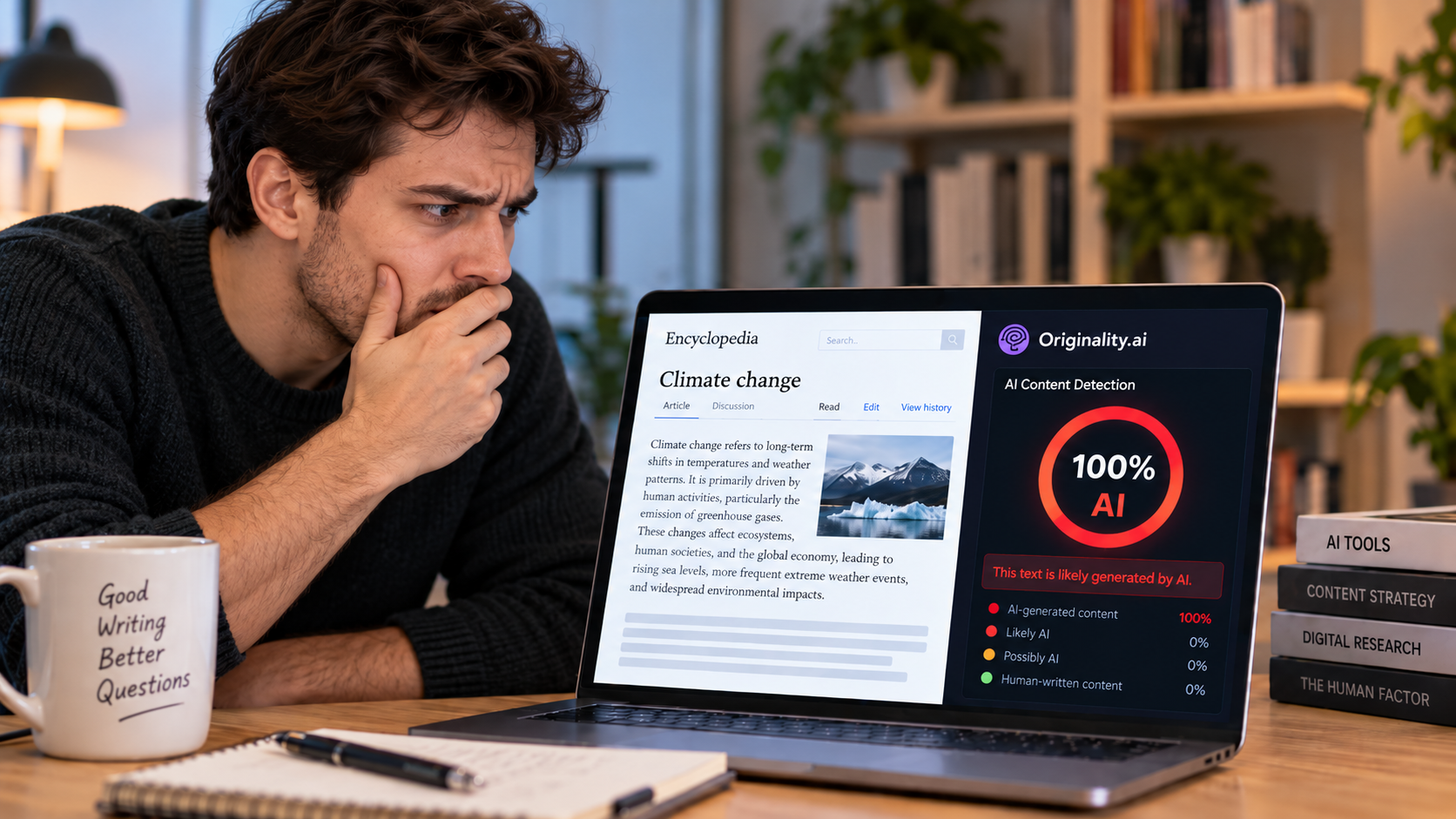
Originality.ai: I Tested It and It Flagged Wikipedia as 100% AI
I pasted a plain Wikipedia paragraph into Originality.ai and it came back "Likely AI – 100% Confidence." Two scans later...
Please log in or create an account to join the discussion.