

I signed in, pasted a rough Wikipedia entry, and let Type ask a few questions and draft a full paper. Here is exactly what happened, screen by screen.
Most AI writing lives in a chat box. You ask, it answers, and you paste the result somewhere else. Type.ai tries something different: the draft and the assistant sit in one window, and the AI edits the document with you.
I wanted to see how that felt in practice, so I ran a simple test. I fed it a plain encyclopedia entry and asked it to turn that into a proper paper.
What Type.ai is
Type calls itself the AI editor for storytellers. It is aimed at books, novels, screenplays, and other long pieces, with writing, revision, and an AI chat all in the same editor.
300k+ writers on the platform, per Type | 150k words supported in a single draft | 3 export formats: DOCX, PDF, audio | 0 of your data used to train models |
The two features that set it apart are Notes, a memory that tracks your characters and world, and inline editing, where changes arrive as suggestions you accept or reject.
Getting started in three steps
1. Open type.ai and click Try for free
The landing page is calm and text-first, a single button rather than a wall of features.
2. Sign in with Google
One click and you are in. There was no long setup or template picker to wade through.
3. Land in the split screen
The editor fills the left side and Type Chat sits on the right. This is where the whole session happens.
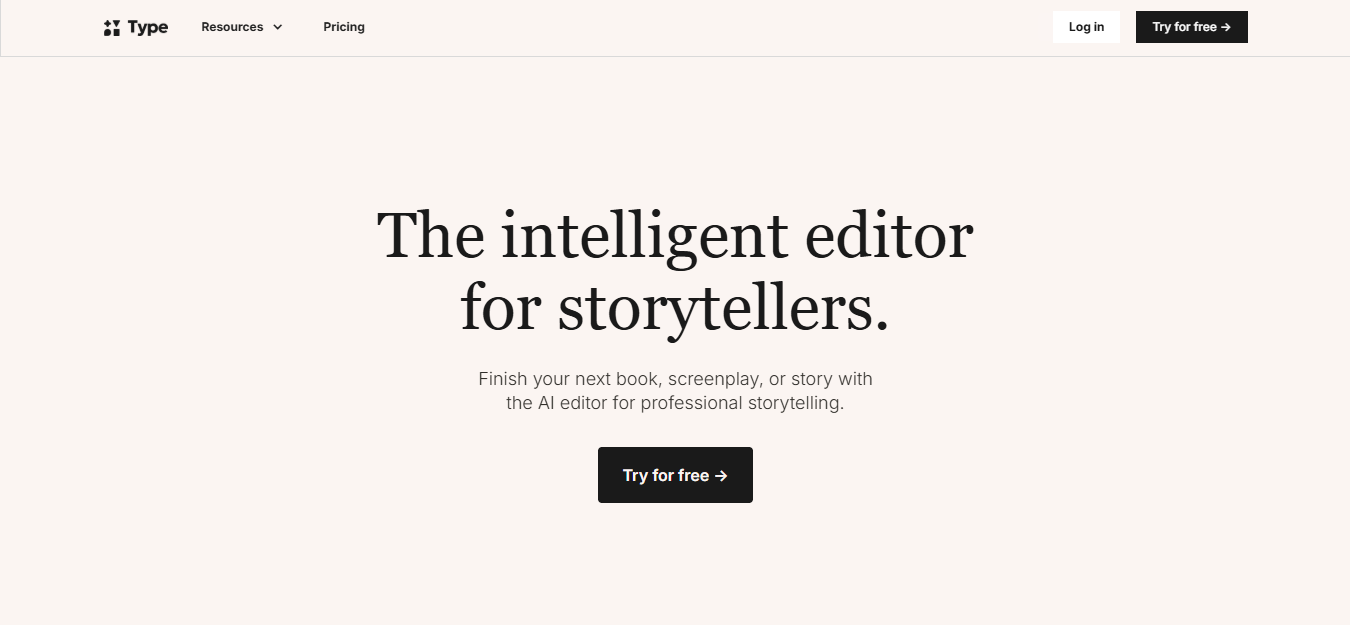
The landing page. One headline, one button, and a serif tone that already signals this is a tool made for writers.
After signing in, you get a blank draft on the left and the chat on the right. A preset prompt is already waiting in the chat, which is how the session begins.
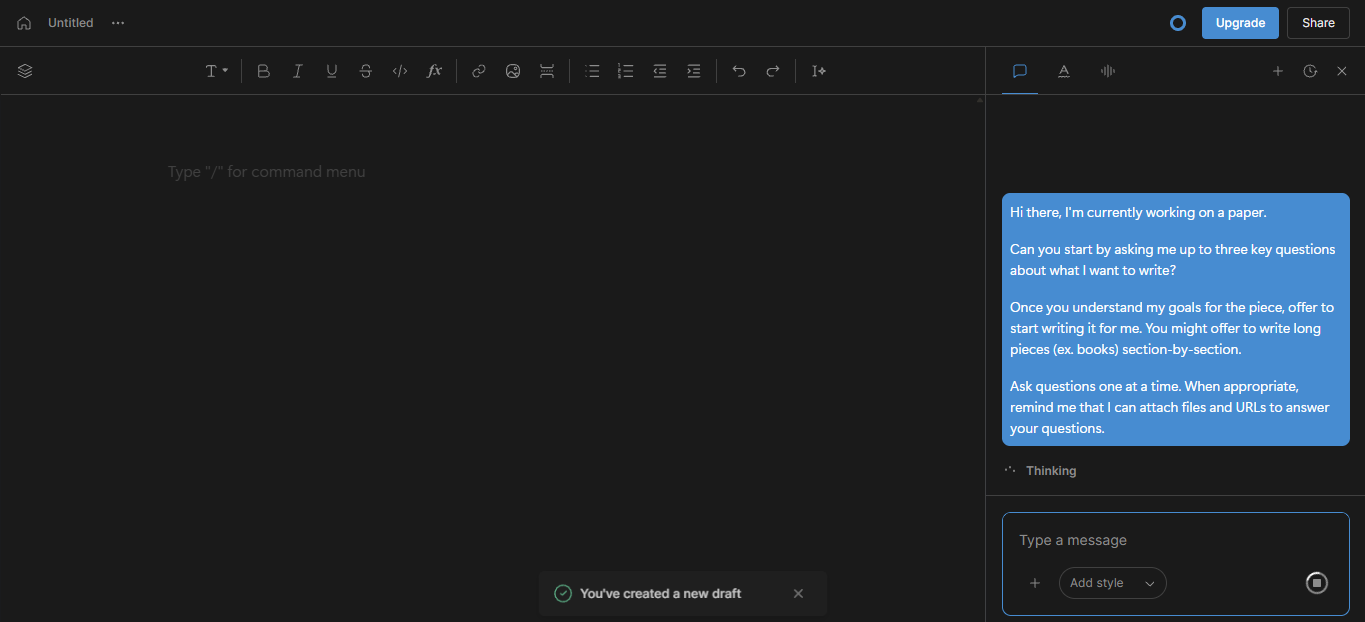
The dashboard right after login. Draft on the left, Type Chat on the right, and an opening prompt ready to run.
The prompt that kicked it off
The session opened with a clear instruction to the assistant. It tells Type to interview me first, then offer to write, and to work one question at a time.
The prompt Hi there, I am working on a paper. Ask me up to three key questions about what I want to write. Once you understand my goals, offer to start writing it for me, section by section for long pieces. Ask one question at a time, and remind me I can attach files and URLs. |
Type What is the paper's topic or central question, and what do you hope it will accomplish? |
This is the part I liked most. Instead of guessing, Type asked before writing a word.
Feeding it a rough topic
To answer, I pasted a plain Wikipedia entry on black holes straight into the editor, then told Type to build on it.
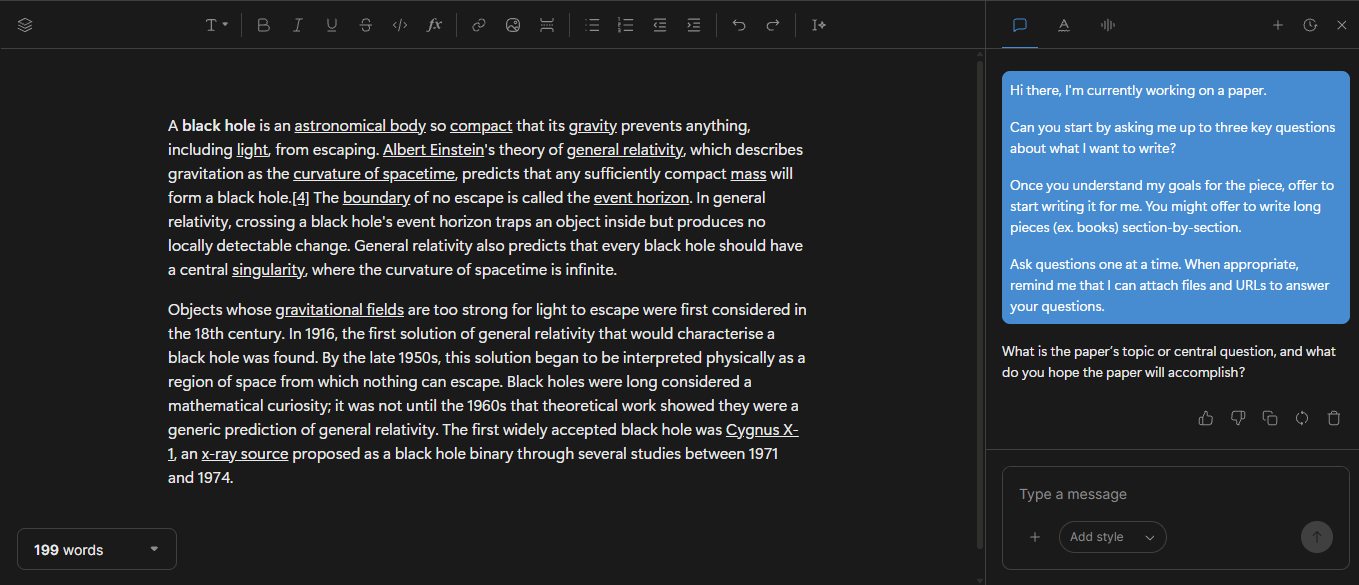
The raw material, pasted in as-is. It reads like reference text, not a finished piece.
From there, Type kept asking, one question at a time, until it understood the goal.
Type Who is the intended audience, and how detailed should it be? A brief overview for general readers, or a more technical research style? | You A general audience, with an introduction, body sections, and a conclusion. |
Type Roughly how long should it be? You can also attach any sources or URLs. | You 1000 words |
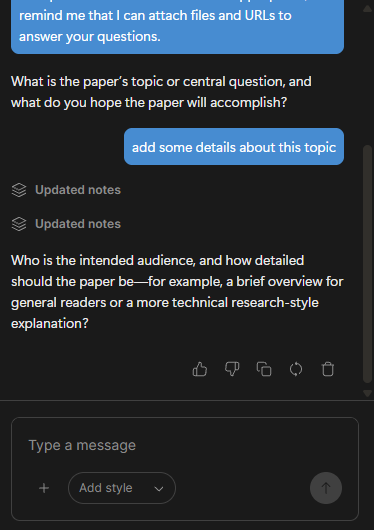
Each answer updated the project quietly. Note the small Updated notes marker, a sign the memory was already filling in.
Once it had enough, Type summarised the plan back to me and asked for a green light before touching the page.
Type So you want an approximately 1,000 word paper explaining black holes to a general audience, expanding the material with clear introductions, accessible explanations, historical context, and a conclusion. Shall I draft the full paper now? |
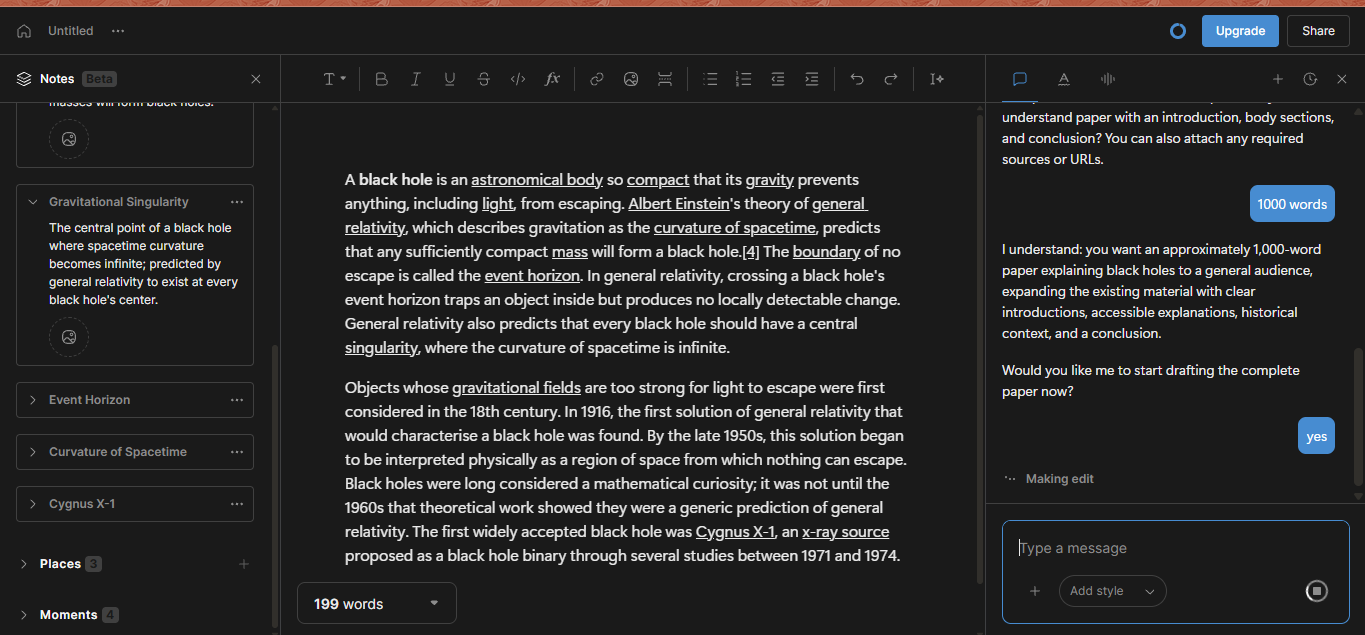
The recap step. It confirmed length, audience, and structure, then began Making edit. A Notes panel had already appeared on the left.
What it produced
A few seconds later, the blank page held a finished draft. It had an introduction, clear body sections such as How Black Holes Form, and a conclusion, written for a general reader rather than a specialist.
One honest note: I asked for 1,000 words and got 1,187. Close, but it ran long.
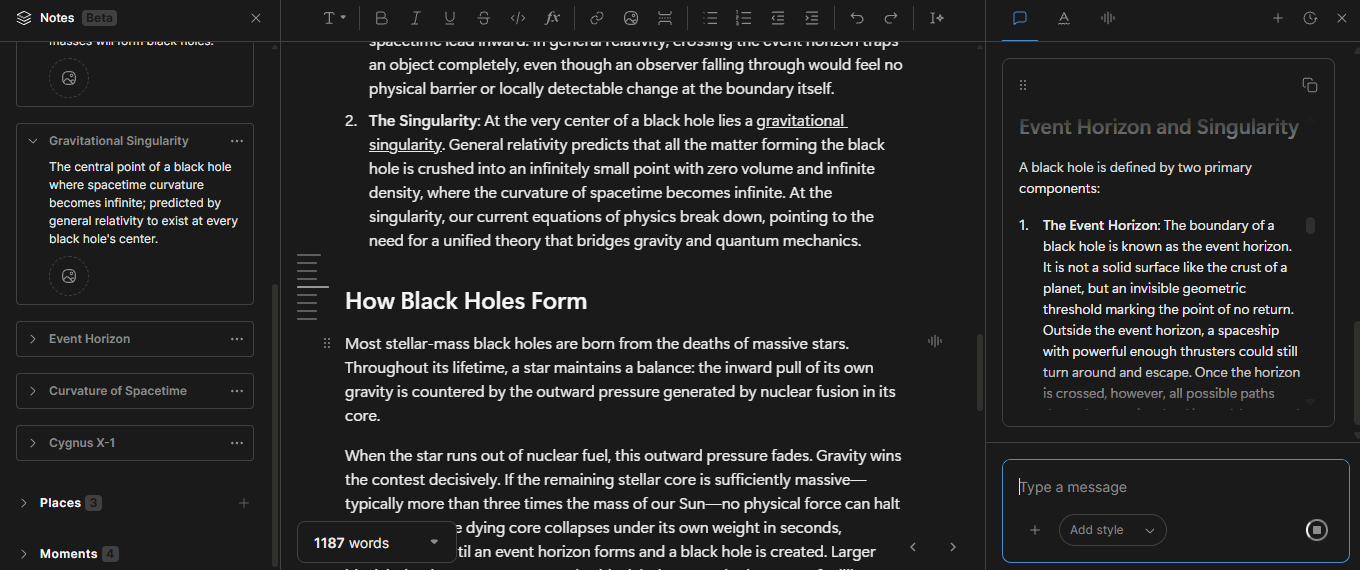
The finished draft. Headings, plain-language sections, and a running word count at the bottom left.
The Notes panel built itself
While it wrote, Type filled a Notes panel on its own. It pulled key concepts out of the text and saved them as cards I could open or edit.
- Concept cards for the event horizon, the gravitational singularity, the curvature of spacetime, and Cygnus X-1.
- Grouped sections for Places and Moments, so a longer project stays organised.
- Each card is editable, and you can ask Type Chat to change any of them.
For a one-off paper this is a nice touch. For a novel, this kind of memory is the whole point, since it keeps names and facts consistent across chapters.
Edits arrive as suggestions
Type does not silently overwrite your text. Changes show up as inline suggestions with an Accept or Dismiss button, so you decide what stays.
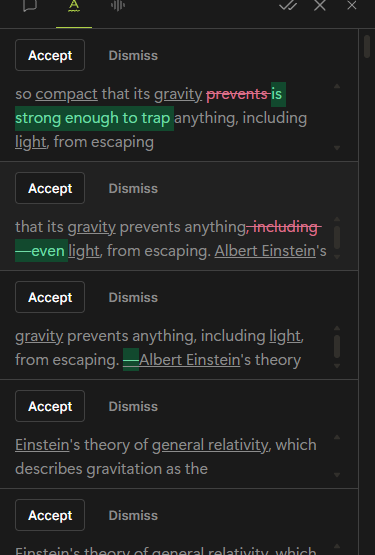
Suggestions stack up as clear diffs. Green is added, struck-through red is removed, and you clear them one by one.
This is the difference between a chat tool and an editor. You stay in control of the page, and nothing changes without your say.
What stood out
- It interviewed me one question at a time instead of dumping a form.
- It confirmed the plan before writing, so there were no surprises.
- The Notes memory assembled itself from the text with no extra work.
- Edits came as accept or dismiss suggestions, which kept me in charge.
- Draft and assistant share one window, so there was no copy pasting between tabs.
What to keep in mind
- It overshot the length, writing 1,187 words against a 1,000 word ask.
- AI drafts still need fact checking, especially on technical topics like this one.
- The AI features run on a credit based model once the free credits are used, so heavy sessions cost more.
- It is built for long form work, so it is heavier than a quick chat tool for short tasks.
Who it is for
Type suits novelists, screenwriters, fan fiction writers, and anyone drafting a long document who wants editing and memory in one place.
If you only need a quick paragraph or a fast answer, a plain chat tool will be lighter and faster. You can compare tiers on the Type pricing page, which starts free and then charges by credits.
What real users say
Type is still young, so the big review sites are thin. Its G2 and Trustpilot pages sit at zero ratings, which means most first-hand accounts live on Product Hunt and in writers' own write-ups. Here is the picture from people who have actually used it.
- On Product Hunt, reviewers point to the tight model integration and a clean, fast interface that cuts context switching, and they single out the built-in chat and the prompts for what to write next.
- One commenter summed up the first impression simply: it all makes sense.
- A writer who put Type against two rivals on a manuscript of more than 40,000 words made it his top pick, judging the output strong and the workflow low on friction (Medium).
- The most common caution is the same in both places. It shines on long, sustained projects and feels like too much tool for a quick one-off post, and the credit based pricing is the other frequent gripe.
Formal star ratings are still scarce, so treat the early enthusiasm as a signal rather than a verdict, and lean on your own free trial before you commit.
The bottom line Type.ai treats writing as a process, not a single prompt. If you are finishing something long, the built-in memory and inline edits are worth the credits. Best for the long haul, not the quick answer. An editor, not a chatbot. |
Discussion 0
More posts

NovelAI: An Hour of Notes Before I Wrote a Single Word
A hands-on NovelAI review: the broken sign-up, the encryption catch, real pricing, the models, real user reviews, and wh...

StealthWriter AI : Hands-On Test of the Humanizer and AI Detector
I put StealthWriter AI through a real test: a Wikipedia paragraph that its detector scored 0% human was rewritten to 100...

Originality.ai: I Tested It and It Flagged Wikipedia as 100% AI
I pasted a plain Wikipedia paragraph into Originality.ai and it came back "Likely AI – 100% Confidence." Two scans later...
Please log in or create an account to join the discussion.